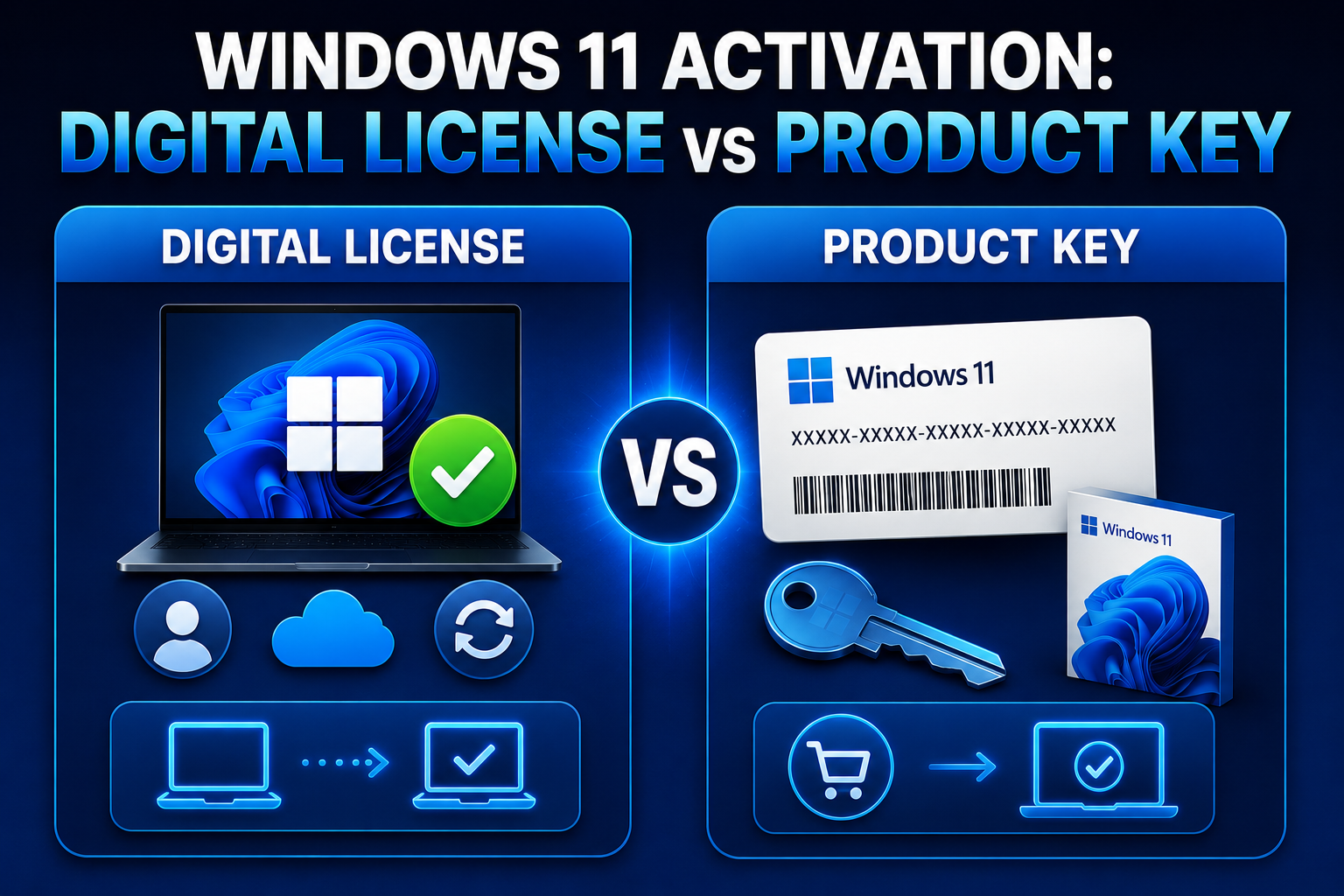
Activation is how Microsoft ties your Windows license to hardware---confusing when you reinstall, swap a motherboard, or buy a cheap key online. Windows 11 uses the same digital license model as Windows 10 for most consumers: when the hardware fingerprint matches, activation often happens silently after you sign in with the right Microsoft account.
This guide explains product key types, how to check activation status, linking licenses to your account, troubleshooting error codes, and the difference between legitimate OEM/digital licenses and risky gray-market keys. It is for home builders, upgraders, and anyone staring at "Windows isn't activated" after a clean install.
Before you begin
Prerequisites: Internet access for activation servers. Know whether your PC came with Windows preactivated (OEM), you upgraded from Windows 10, or you purchased a retail key.
Backups: Activation does not require file backup, but document your edition (Home vs Pro) before reinstalling.
Risks: Buying keys from unauthorized marketplaces can lead to revocation (Microsoft blocks keys obtained via stolen volume licenses). Changing major hardware may require reactivation support.
License types in plain language
- OEM (prebuilt PCs): Licensed to the original device; motherboard swaps are murky.
- Retail: Transferable between machines with limits; clearer Microsoft support path.
- Digital license: No sticker needed; entitlement stored by hardware ID and/or Microsoft account.
- Volume/KMS: Enterprise/education---irrelevant for most home users.
Why types matter? Support and transfer rights differ; OEM keys are not "portable" licenses in practice.
Check current activation status
Settings → System → Activation shows edition and state.
Command line detail:
slmgr /xpr
slmgr /dlv
Why slmgr? Shows expiration (KMS) and detailed status when
Settings is vague.
Link your digital license to a Microsoft account
Before hardware changes, sign in at Settings → Accounts. On Activation page, look for Add an account or "Windows is activated with a digital license linked to your Microsoft account."
Why link? Reactivation after disk replacement or reinstall is easier when entitlement is associated with your account.
Enter or change a product key
Settings → System → Activation → Change product key, or:
slmgr /ipk XXXXX-XXXXX-XXXXX-XXXXX-XXXXX
slmgr /ato
Why /ato? Forces immediate online activation attempt after key
entry.
Upgrade Home to Pro
Settings → Activation → Upgrade in the Microsoft Store or enter a Pro key. Ensure the key matches edition upgrades (Home → Pro), not a random Pro OEM from another machine.
Reactivation after hardware changes
If activation fails after motherboard replacement:
- Run Activation troubleshooter: Settings → Activation → Get help.
- Sign in with the Microsoft account that held the digital license.
- Choose I changed hardware on this device recently when offered.
Why troubleshooter? It can rebind digital licenses for significant hardware swaps---once per scenario, not unlimited.
Clean install activation flow
Install Windows 11, connect internet, sign in with the same Microsoft account used before. Wait; activation may delay until Windows Update runs.
Why wait? Some OEM channels activate after specific hardware IDs register online.
Microsoft account and edition mismatches
Signing in with a personal Microsoft account on a work-joined PC can confuse activation state---use the account that originally activated the device. Settings → System → About shows edition (Home, Pro, Education). Keys are not interchangeable across editions; a Pro key cannot activate Home.
Refurbished and used hardware
Refurbished PCs should include a Windows license tied to hardware. If Activation shows "Windows is not activated" on first boot, contact the seller before spending hours troubleshooting---some resellers install unlicensed images.
Documenting activation for support
Before calling Microsoft support, collect:
slmgr /dlv
Screenshot Settings → Activation, note recent hardware changes, and keep purchase receipts for retail keys.
Dual boot and VMs
Dual-boot Linux does not invalidate Windows licenses. VMs need their own licenses unless using licensed virtualization rights from Software Assurance---home users buy separate keys for long-running VMs.
Insider Preview builds
Insider channels have separate activation rules; keys from stable retail may not carry---read Microsoft Insider documentation before depending on production keys.
Phone activation fallback
If online activation fails, use the automated phone activation path via
slmgr /dti displayed in support docs for your region---speak the
installation ID, enter confirmation blocks. Slow but works when
firewalls block activation servers.
Microsoft 365 bundles
Microsoft 365 subscriptions sometimes include Windows licenses in business SKUs---check admin portal before buying a separate retail key for work machines.
Transferring retail licenses
Retail keys can move to a new PC if you deactivate the old one first (when policy allows). Use Activation troubleshooter on the old machine before hardware retirement. Keep emails from Microsoft purchase confirmations---they include recovery options.
Evaluation and trial keys
Evaluation ISOs expire---do not use them for daily drivers. Trial keys from Azure Visual Studio subscriptions differ from OEM digital licenses; read subscription terms before deploying to personal hardware.
Regional keys and VPN
Activation servers geo-match keys---using VPN during activation can cause false failures. Disconnect VPN, activate, then reconnect.
Refurbisher certificates
Some refurbishers include a Certificate of Authenticity sticker still valid for support---photograph it before it fades.
Hyper-V and licensing
Running Windows VMs on Pro hosts has licensing nuances---one licensed host does not automatically license arbitrary guest Windows versions. Read Microsoft virtualization rights for your SKU before spinning up ten Server eval VMs.
Charity and education keys
Microsoft nonprofit and education programs issue keys with restrictions---verify eligibility before deploying on personal hardware mixed with org keys.
Summary workflow
Check edition in About → link Microsoft account → enter key or sign in →
slmgr /ato → troubleshooter for hardware changes → document
slmgr /dlv if calling support.
Reader checklist (printable)
Confirm edition, link Microsoft account before hardware swaps, enter
retail key only from trusted sellers, run Activation troubleshooter
after motherboard changes, save slmgr /dlv screenshot before calling
support.
Corporate KMS clients should never use random Internet keys---use your organization's volume tooling instead of consumer activation guides.
Keep activation screenshots in your password manager secure note for the PC serial number.
Volume license keys from auction sites remain a gamble---Microsoft can revoke stolen keys without refund from the seller.
Troubleshooting
Error / state Meaning Steps
0xC004C003 Key blocked or Verify source; invalid contact seller if retail
0xC004F050 Hardware changed Use troubleshooter; sign in linked account
Product key entered doesn't match Wrong SKU (Home key Install matching edition on Pro) edition or buy correct upgrade
KMS / organization Volume license Connect to org network or VPN
Watermark persists No internet or Update Windows; mismatched edition confirm key type
Key takeaways
- Most home PCs use digital licenses---link them to a Microsoft account before hardware surgery.
- Use Settings and
slmgrto verify edition and activation, not random third-party "activators." - OEM licenses stick to devices; retail is more transferable but still policy-bound.
- After clean install, sign in and run Windows Update before panicking over activation.
- Avoid too-good-to-be-true keys; revocation leaves you unlicensed.
Activation Scripts (Informational)
For users researching activation mechanisms or Windows licensing behavior, the open-source project below is commonly referenced:
Microsoft Activation Scripts (MAS)\ https://github.com/massgravel/Microsoft-Activation-Scripts
Notes: - MAS is a third-party open-source project and is not an official Microsoft tool. - Review the repository documentation carefully before using any activation-related utility. - Legitimate activation methods (digital licenses, retail keys, OEM licenses, or Microsoft account-linked licenses) remain the standard approach. - Organizations using volume licensing should rely on official deployment and licensing infrastructure.
FAQ
Do I need a sticker on a new PC? No if digitally licensed---check Activation page.
Can I use a Windows 10 key on 11? Many Windows 10 keys activate equivalent Windows 11 editions during supported periods---verify current Microsoft rules.
Is unactivated Windows unusable? Core features work with nags and personalization limits; updates still arrive for a time---activation is legal compliance, not just cosmetics.