Windows
Windows 11 Task Manager: CPU, GPU, and Startup Guide
Use Task Manager to find bottlenecks, kill runaway processes, and manage startup impact.
Use Task Manager to find bottlenecks, kill runaway processes, and manage startup impact.
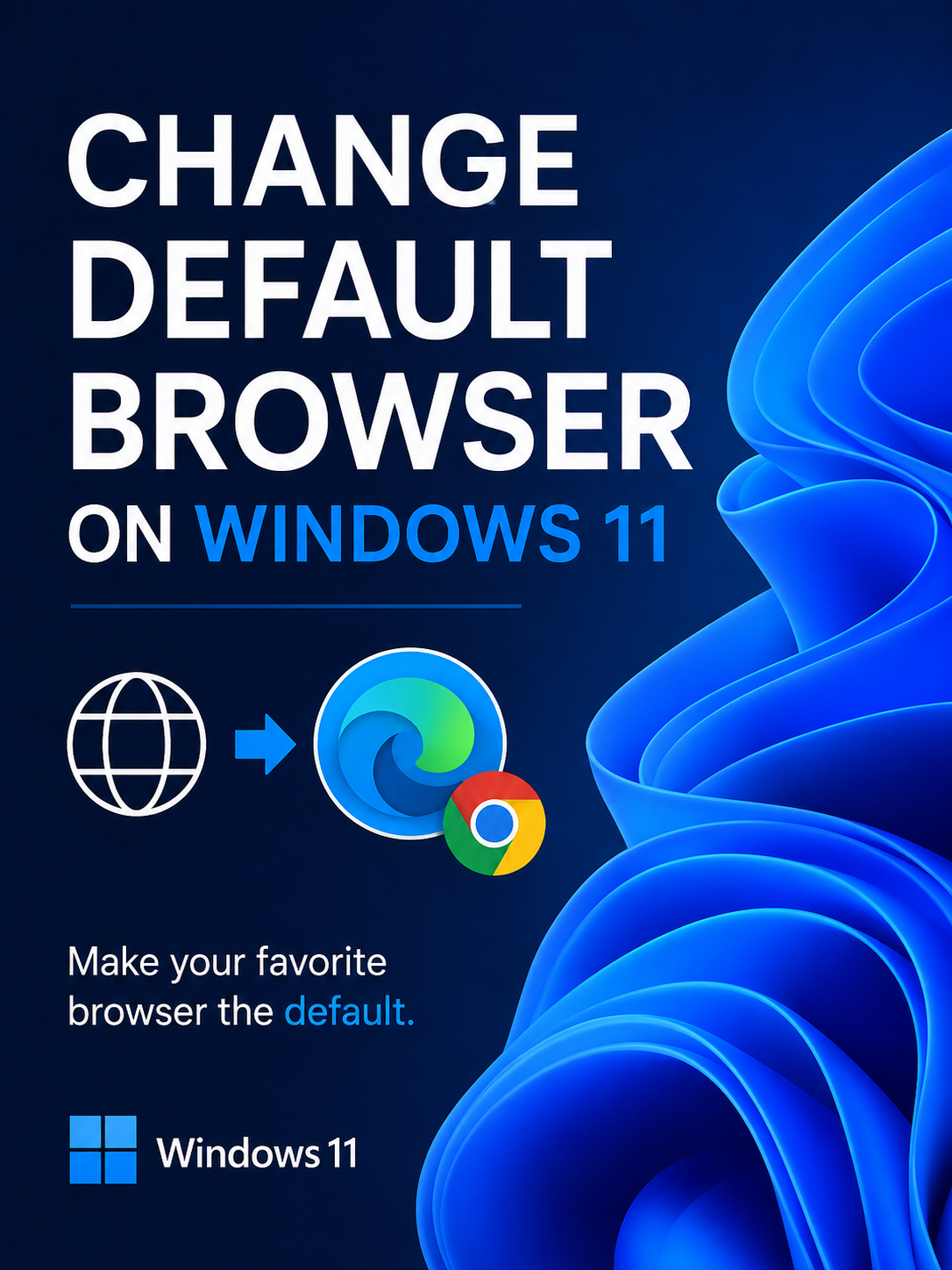
Set Firefox, Chrome, or Brave as default for HTTP, HTTPS, and PDFs without fighting Settings.
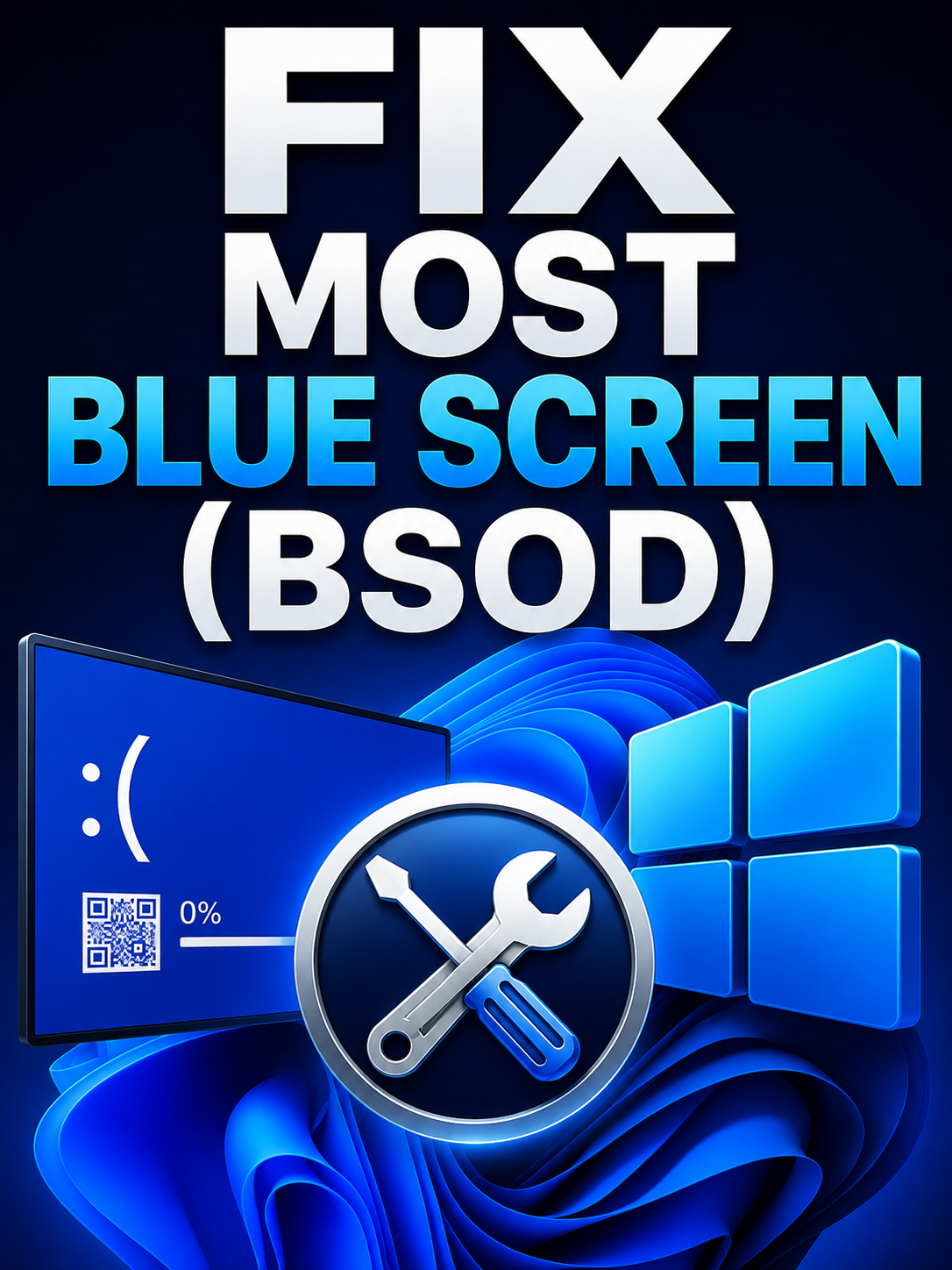
Read stop codes, update drivers, and test RAM when Windows crashes to a blue screen.
Reset update components, clear cache, and recover from failed feature updates.
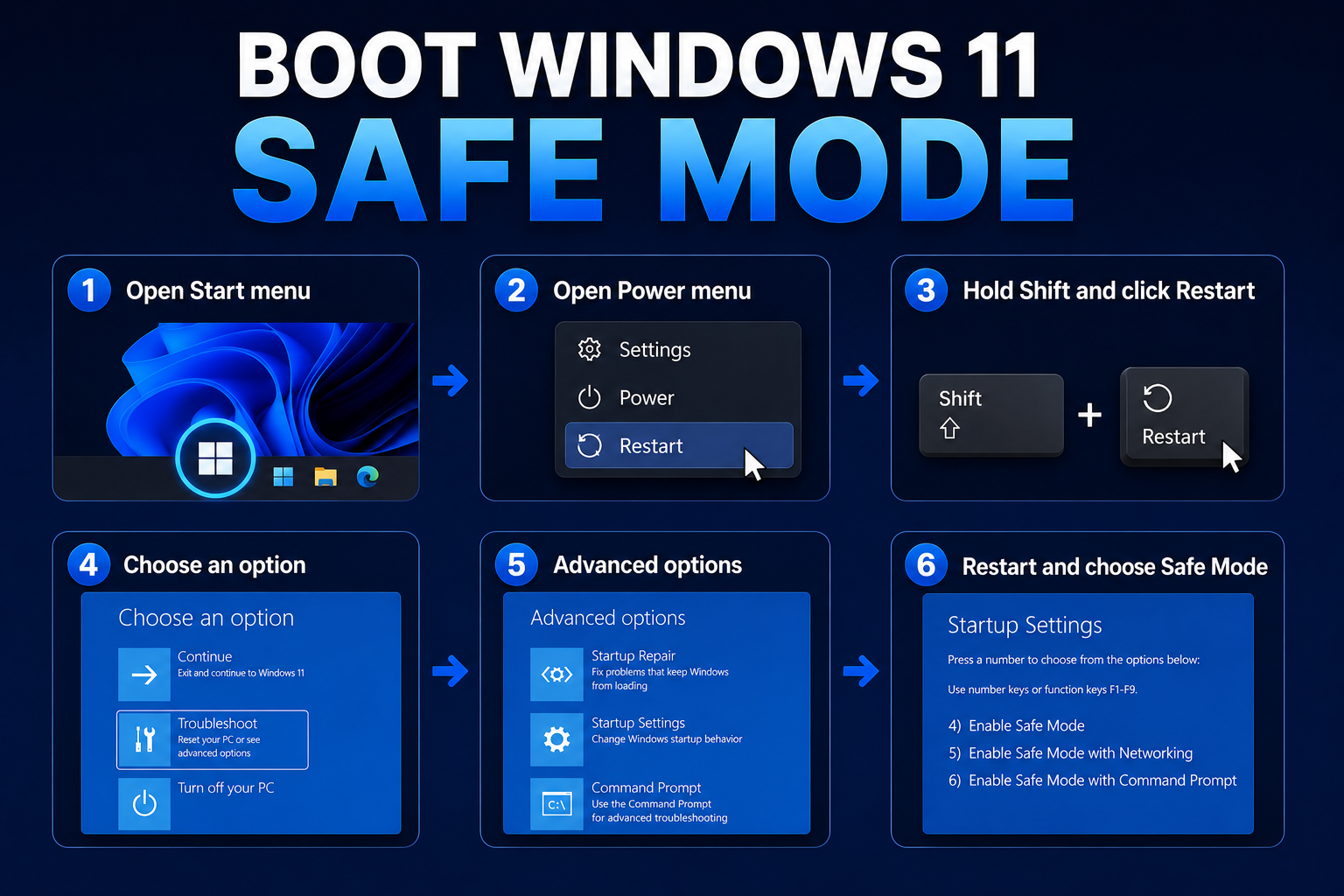
Start in Safe Mode from Settings, sign-in screen, or recovery USB when the desktop will not load.
Uninstall sponsored apps and optional features without breaking the Microsoft Store.
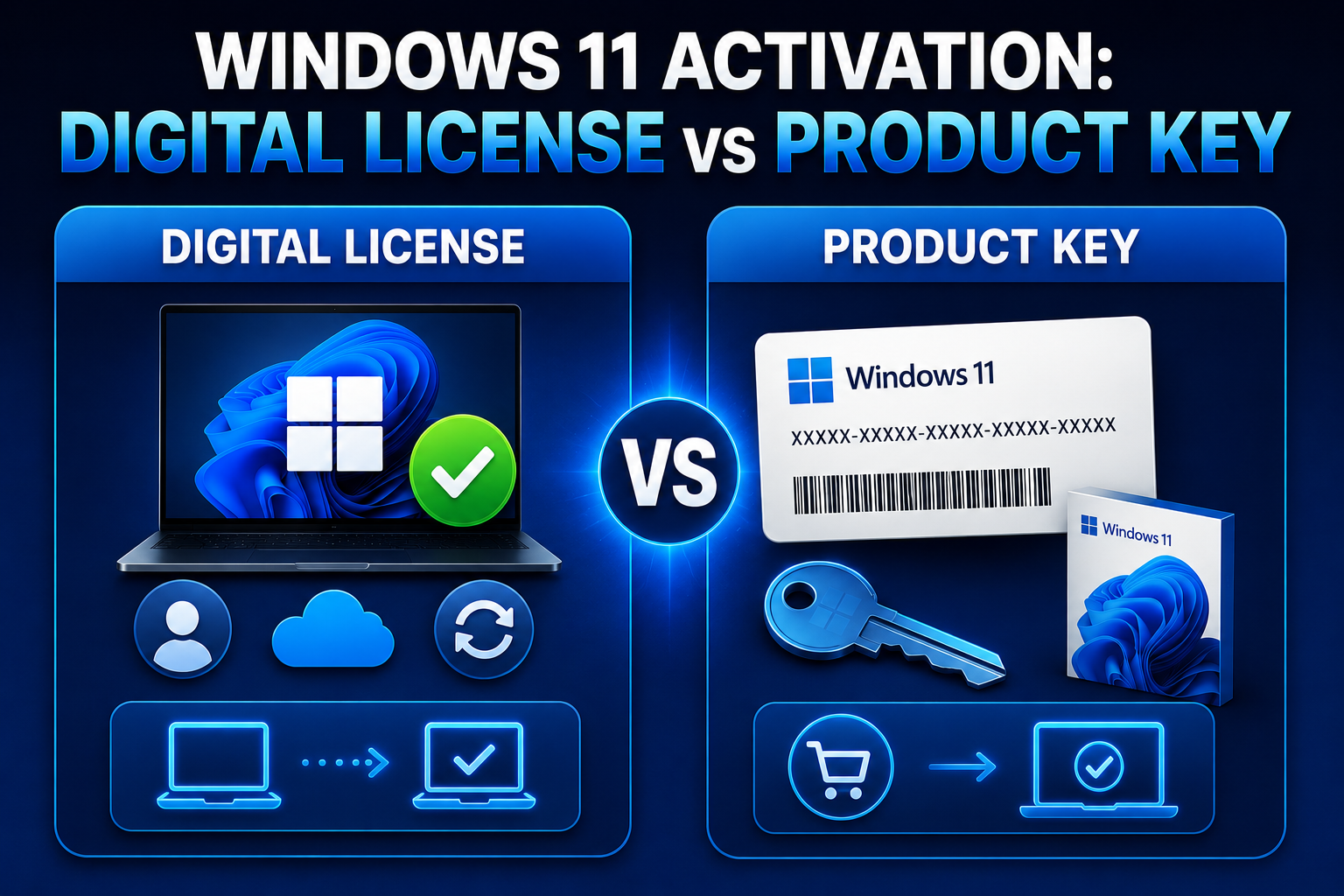
Understand activation types, transfer rules, and troubleshooting error codes.
Practical tuning: startup apps, power plan, visual effects, and storage health.
Reclaim gigabytes using Storage Sense, WinSxS cleanup, and app hygiene without breaking the OS.
Install Windows Subsystem for Linux 2, a default distro, and optional Docker integration.
Create a bootable USB, wipe the disk safely, and install Windows 11 without OEM clutter.
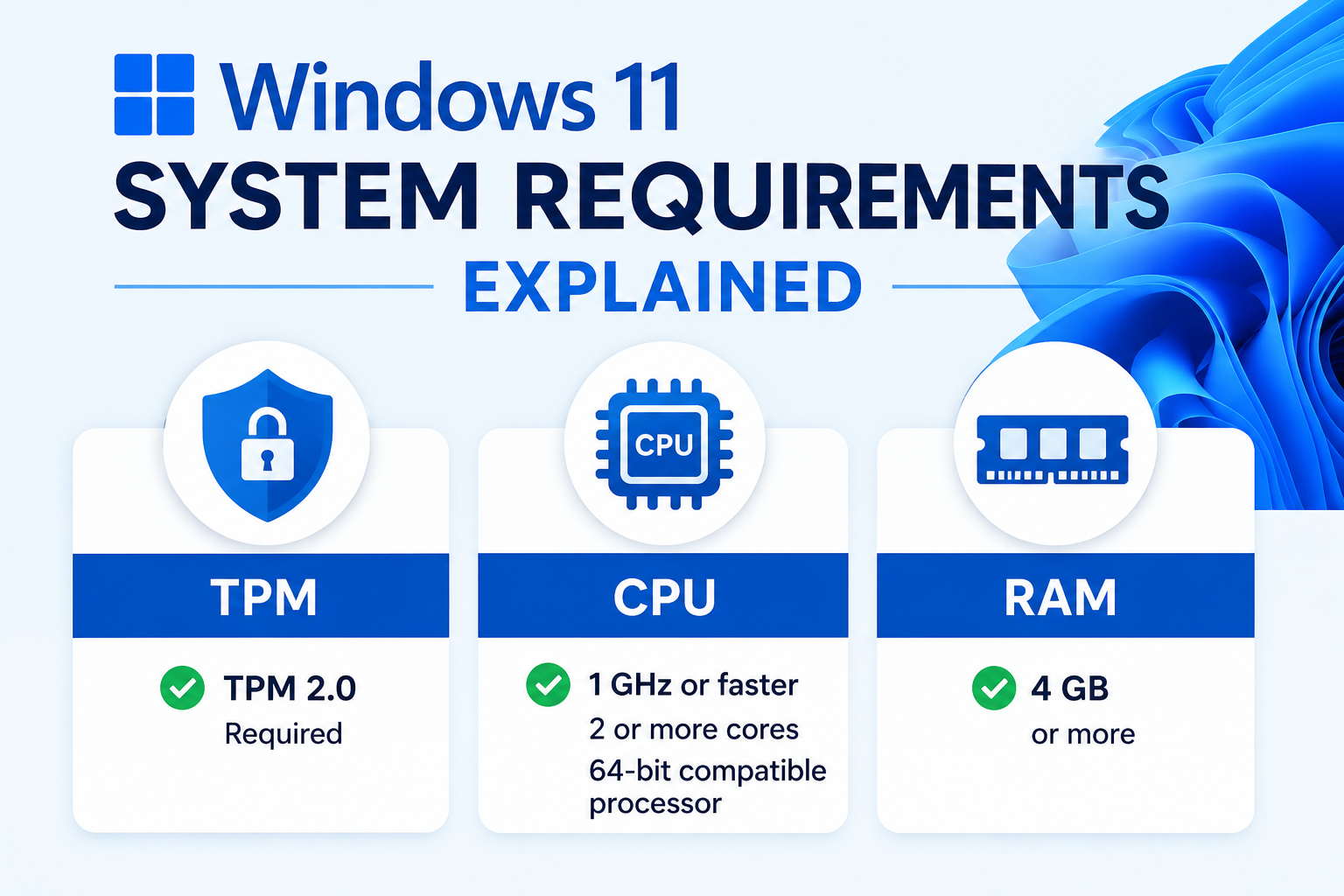
Check if your PC officially supports Windows 11 and what workarounds exist for older hardware.
Cut background reporting on Windows 11 while keeping security patches intact.