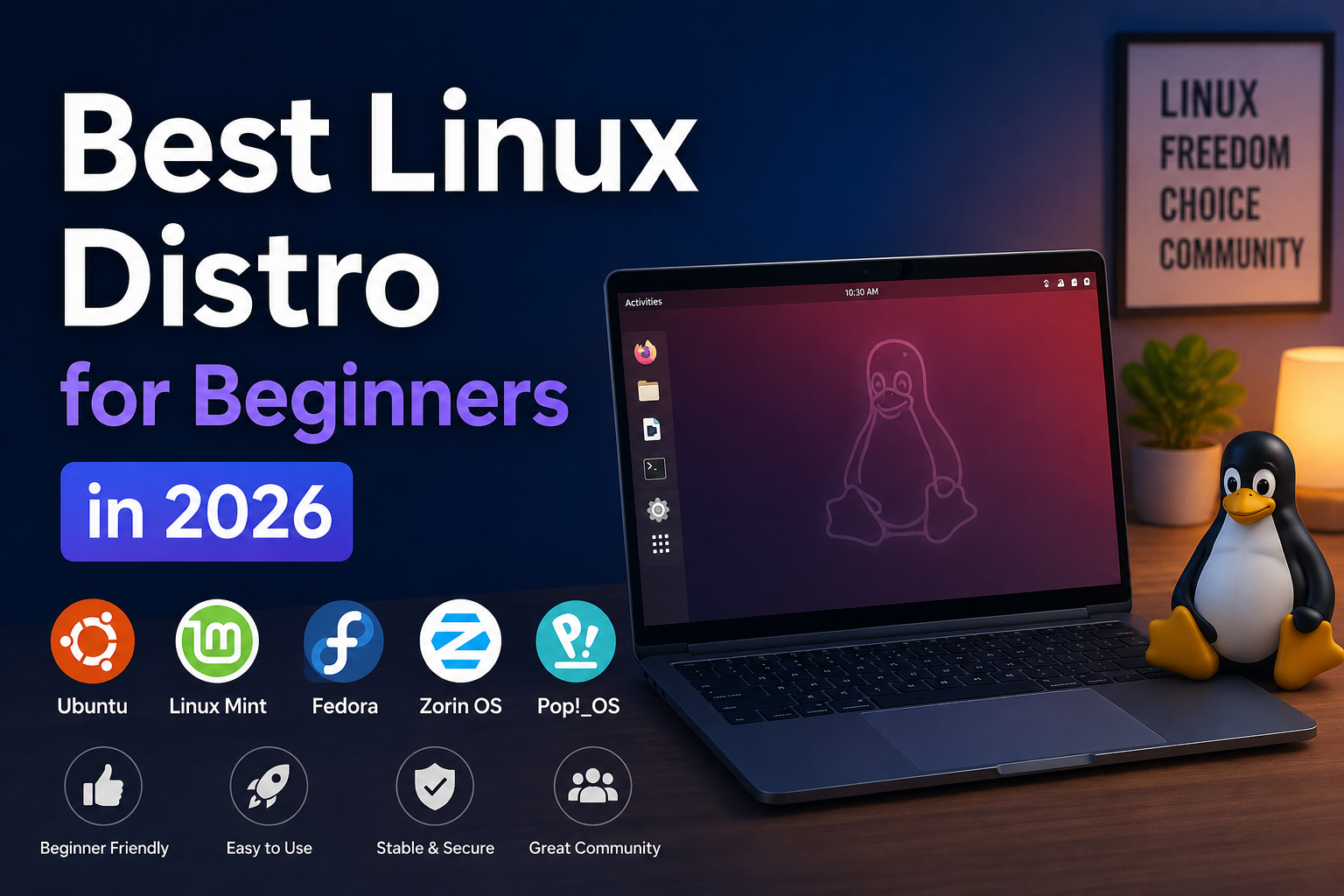
Choosing your first Linux distribution is less about finding the "perfect" operating system and more about matching your expectations, hardware, and tolerance for troubleshooting. In 2026, desktop Linux is mature enough for daily use on laptops, workstations, and homelab nodes—but the ecosystem still fragments across packaging models, release cadences, and desktop environments. For developers and homelab builders coming from Windows or macOS, the right starting distro reduces friction during the first month, which is when most people either commit or revert.
This guide compares the distros beginners actually succeed with: Ubuntu LTS, Fedora Workstation, Linux Mint, and Pop!_OS. We also cover when to look elsewhere, how to evaluate hardware compatibility, and a practical decision framework you can reuse when you outgrow your first choice.
Before you begin
Gather a few facts before downloading anything:
- Hardware age and GPU vendor. NVIDIA laptops and desktops still benefit from distros with straightforward proprietary driver paths (Ubuntu, Pop!_OS, Fedora with RPM Fusion). AMD and Intel integrated graphics work well everywhere.
- Use case. Daily desktop, development, gaming, or headless server? Beginners mixing all three should start with a general-purpose desktop distro, not Arch or Gentoo.
- Disk layout. If you plan to dual-boot Windows, leave unallocated space or shrink partitions before install. Back up BitLocker recovery keys and important data.
- Install medium. A 16 GB or larger USB drive and a tool like Rufus (Windows), Fedora Media Writer, or
dd/balenaEtcheron Linux/macOS.
You do not need to understand the entire Linux ecosystem on day one. Pick a distro with long-term support, a large community, and an update model that matches your risk tolerance.
Ubuntu 24.04 LTS: the default recommendation
Ubuntu remains the most referenced distro in tutorials, Stack Overflow answers, and vendor documentation. Ubuntu 24.04 LTS (Noble Numbat) receives security updates until 2029, which matters if you want a set-and-forget workstation or a stable VM template for homelab services.
Strengths:
- Massive community knowledge base; almost every beginner problem has been solved publicly.
- Excellent third-party app support (Steam, Zoom, Slack, VS Code, Docker, cloud CLIs).
- Predictable release cycle: LTS every two years, with Hardware Enablement stacks for newer kernels on LTS if needed.
aptpackage management is straightforward; PPAs exist for edge-case software (use sparingly).
Trade-offs:
- Default repositories skew conservative. You may run slightly older libraries than on Fedora or Arch.
- Snap packaging is more prominent than on Mint; some users prefer flatpaks or native
.debpackages. - GNOME defaults are fine but not flashy; customization is possible but not the focus.
Best for: First-time switchers, office and development workstations, homelab hosts where stability beats bleeding edge, anyone who wants maximum Googleability when stuck.
# Quick post-install sanity check on Ubuntu
lsb_release -a
uname -r
sudo apt update && sudo apt upgrade -y
Fedora Workstation: for developers who want newer stacks
Fedora Workstation ships current kernels, GNOME builds, and developer tooling aligned with Red Hat's enterprise pipeline. It is not LTS—major releases arrive roughly every six months—but upgrades are generally smooth and the distro showcases where Linux desktop is heading.
Strengths:
- SELinux enabled by default; good security posture for developers learning enterprise patterns.
- Excellent container workflow:
podmanandtoolboxare first-class. - Wayland session polish on GNOME is among the best tested in mainstream distros.
- Strong alignment with Kubernetes, OpenShift, and RHEL skills if that matters for your career or homelab.
Trade-offs:
- Shorter support window per release (~13 months). You will upgrade annually.
- Proprietary NVIDIA drivers require RPM Fusion; extra steps compared to Ubuntu's "Additional Drivers" GUI.
- Some third-party apps target Ubuntu first; you may use Flatpak more often.
Best for: Developers, container enthusiasts, users comfortable with occasional upgrade cycles, people who want modern GNOME and don't mind learning dnf.
Linux Mint: lowest friction for ex-Windows users
Linux Mint is based on Ubuntu LTS but ships Cinnamon (or MATE/Xfce) with a traditional desktop metaphor: taskbar, system tray, and an application menu that feels familiar. Mint actively avoids Snap by default and emphasizes .deb packages and Flatpak.
Strengths:
- Gentle learning curve; less "GNOME workflow retraining" than stock Ubuntu.
- Includes useful preinstalled utilities (backup tool, driver manager, update manager with clear explanations).
- Stable underlying base (Ubuntu LTS) without Ubuntu's Snap-centric defaults.
- Excellent for family PCs and "I just need it to work" machines.
Trade-offs:
- Not the first distro vendors mention; some niche software instructions assume Ubuntu verbatim.
- Cinnamon is lighter than GNOME but customization can hide complexity over time.
- Same conservative package ages as Ubuntu LTS underneath.
Best for: Windows refugees, secondary family computers, users who want minimum desktop surprise.
Pop!_OS: hardware-aware and developer-friendly
System76's Pop!_OS is Ubuntu-derived with custom COSMIC (formerly GNOME-based) desktop tooling, automatic tiling, and strong focus on NVIDIA and hybrid graphics laptops. Pop ships separate ISO images for Intel/AMD and NVIDIA systems.
Strengths:
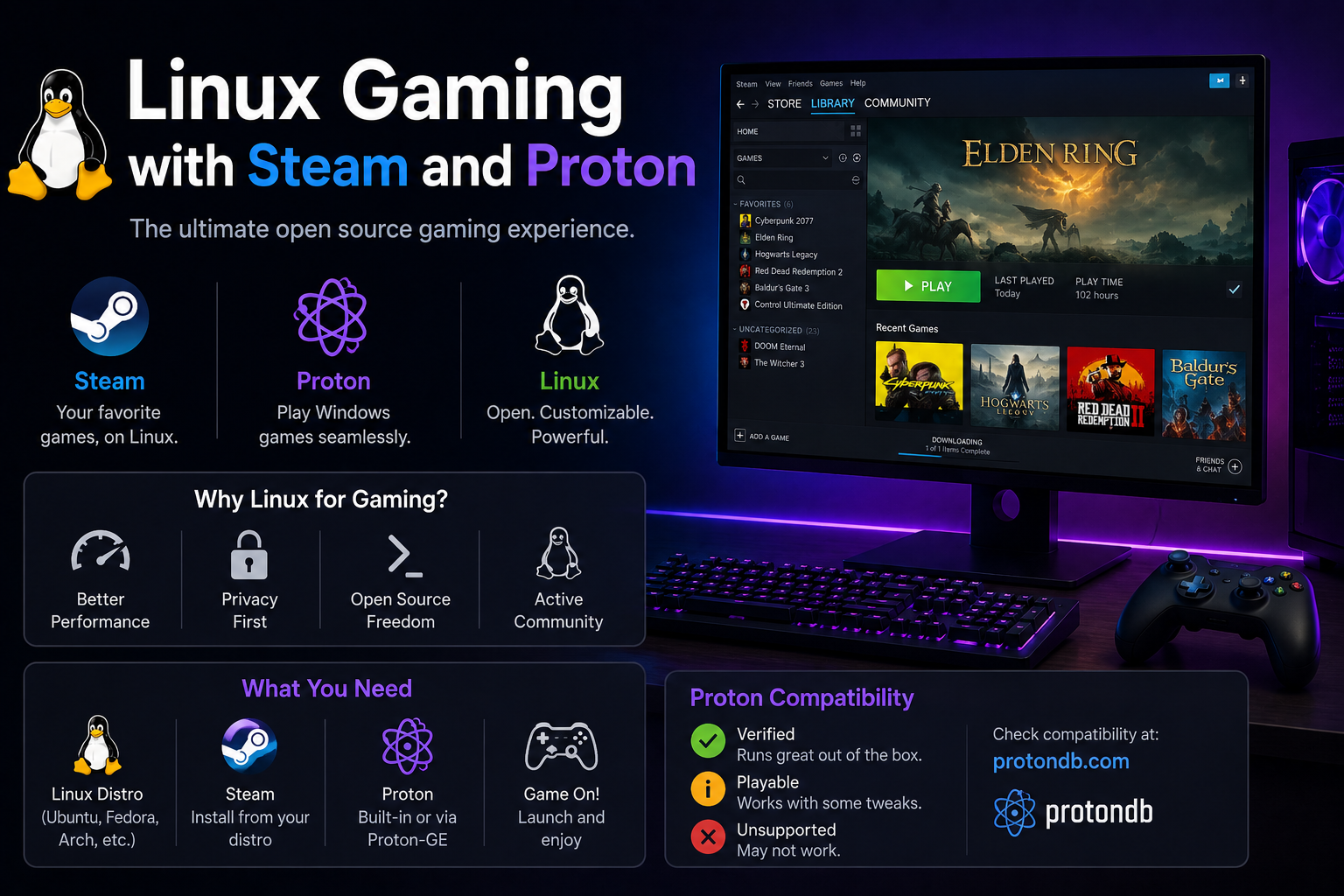
- NVIDIA driver integration is smoother than most distros; important for gaming and CUDA experimentation.
- Hybrid graphics handling (
system76-power) simplifies battery vs. performance trade-offs on laptops. - Clean developer defaults; popular among Linux gamers and content creators.
- Flathub-centric app strategy reduces dependency on PPAs.
Trade-offs:
- Smaller community than Ubuntu/Fedora; fewer forum threads for obscure edge cases.
- Release cadence follows Ubuntu LTS but with System76-specific layers to track.
- COSMIC evolution is active; occasional UI changes between major versions.
Best for: NVIDIA laptop owners, developers who game, users who want tiling and polish without Arch.
How to choose: a simple decision matrix
| Priority | Start here |
|---|---|
| Maximum tutorials and compatibility | Ubuntu 24.04 LTS |
| Familiar desktop, minimal surprises | Linux Mint |
| Newest dev tools, containers, SELinux | Fedora Workstation |
| NVIDIA laptop or gaming focus | Pop!_OS |
| Learn-by-doing with no safety net | Not yet— revisit after 3–6 months |
If you are building a homelab, Ubuntu Server LTS or Fedora Server are common choices, but this article focuses on desktop beginnings. Many users run Ubuntu or Fedora on the desktop and Debian or Proxmox on servers—that is normal.
Installation and first-week checklist
Regardless of distro:
- Verify ISO checksum after download.
- Use UEFI boot when available; disable Legacy-only modes unless dual-boot constraints require careful GRUB setup.
- Enable disk encryption (LUKS) on laptops if you travel with the machine.
- Apply updates immediately after install.
- Install baseline tools:
git,curl, a password manager, and backups (Timeshift on Mint, Deja Dup on GNOME, etc.).
# Example baseline on Ubuntu/Mint/Pop
sudo apt install -y git curl build-essential unzip
flatpak remote-add --if-not-exists flathub https://flathub.org/repo/flathub.flatpakrepo
On Fedora:
sudo dnf groupinstall -y "Development Tools"
sudo dnf install -y git curl
Troubleshooting
Wi-Fi missing after install. Connect via Ethernet temporarily; install proprietary firmware or use a phone USB tether. Ubuntu's "Additional Drivers" and Mint's Driver Manager resolve many Broadcom issues.
Secure Boot blocks NVIDIA modules. Disable Secure Boot in UEFI temporarily or enroll MOK keys when prompted during driver install. Fedora's akmod-nvidia path documents this clearly.
Battery drain on hybrid graphics. On Pop!_OS, use system76-power profiles. On others, research prime-run or switch to integrated-only mode when unplugged.
"Which desktop environment?" Stick with defaults for the first month. DE hopping early confuses package management and settings locations.
Distro regret. You can reinstall or dual-boot a second distro on a spare partition. /home separation makes migrations easier—consider a dedicated home partition if you expect to experiment.
Key takeaways
- Start with Ubuntu 24.04 LTS or Linux Mint if you want the path of least resistance; choose Mint when desktop familiarity matters most.
- Pick Fedora when you are a developer who wants modern kernels, Podman, and SELinux exposure.
- Pick Pop!_OS when NVIDIA graphics or hybrid laptops would otherwise dominate your setup time.
- Distro choice is not permanent. Skills transfer; package names and service managers differ more than fundamentals.
- Optimize for documentation surface area as a beginner—being able to find answers fast beats marginal performance gains.
FAQ
Can I switch distros without losing data?
Back up /home and browser profiles regardless. Dedicated /home partitions or cloud sync simplify moves.
Is Arch better if I'm technical?
Arch is excellent but a poor first distro if your goal is productive development or homelab work immediately. Revisit after you're comfortable with package managers, logs, and networking.
Do I need antivirus on Linux?
Not typically for desktop use. Focus on updates, SSH hardening, and sensible permissions on servers.
Ubuntu vs Mint for homelab learners?
Both work. Ubuntu has more copy-paste server guides; Mint is fine if your learning machine doubles as a family PC.