NVIDIA proprietary drivers on Fedora with a Wayland session were unreliable for years—black screens after login, broken suspend, and fractional scaling glitches pushed many users back to X11. Fedora 40+ with recent 550+ driver branches, akmod packaging via RPM Fusion, and explicit environment variables makes Wayland on GNOME a reasonable daily driver for homelab workstations and development boxes with RTX GPUs—if you install packages in the correct order and verify after every kernel update.
This guide covers RPM Fusion setup, akmod-nvidia installation, Wayland session environment variables, gaming and CUDA coexistence, and troubleshooting the failures still common when Secure Boot, dual GPUs, or sleep states enter the picture.
Before you begin
Hardware and firmware:
- UEFI boot; note Secure Boot status (akmods can enroll MOK keys—follow prompts).
- Hybrid Intel + NVIDIA laptops need extra power/profile tooling (
supergfxctl, BIOS mux settings)—desktop single-GPU setups are simpler.
Backup data before driver experiments. Keep a live USB and timeshift/btrfs snapshot if available.
Confirm Fedora version:
rpm -E %fedora
cat /etc/fedora-release
Install system updates first:
sudo dnf upgrade --refresh -y
sudo reboot
Enable RPM Fusion repositories
sudo dnf install -y   https://download1.rpmfusion.org/free/fedora/rpmfusion-free-release-$(rpm -E %fedora).noarch.rpm   https://download1.rpmfusion.org/nonfree/fedora/rpmfusion-nonfree-release-$(rpm -E %fedora).noarch.rpm
sudo dnf upgrade --refresh -y
RPM Fusion provides legally redistributable codecs and nonfree drivers Fedora cannot ship by default.
Install NVIDIA akmod packages
Akmods build kernel modules automatically on kernel updates—prefer over manual DKMS on Fedora.
sudo dnf install -y akmod-nvidia xorg-x11-drv-nvidia-cuda
sudo akmods --force
sudo reboot
Verify driver loaded:
nvidia-smi
modinfo nvidia | head
If nvidia-smi fails, check build logs:
sudo journalctl -u akmods -b
ls /var/log/akmods/
Install matching kernel-devel if prompted:
sudo dnf install kernel-devel-$(uname -r)
sudo akmods --force
sudo reboot
Secure Boot and MOK enrollment
If Secure Boot blocks unsigned modules, installer prompts to enroll Machine Owner Key at reboot:
- Reboot → blue MOK management screen.
- Enroll key → continue → reboot.
If screen skipped, disable Secure Boot temporarily in UEFI or enroll manually per Fedora wiki NVIDIA page.
Enable Wayland session variables
Create or edit /etc/environment (system-wide):
NVDA_REQUIRE_MODULES=1
GBM_BACKEND=nvidia-drm
__GLX_VENDOR_LIBRARY_NAME=nvidia
Some setups also benefit from /etc/profile.d/nvidia-wayland.sh:
export WLR_NO_HARDWARE_CURSORS=1 # mainly wlroots compositors; test before keeping
Log out completely. At GDM login, click gear icon → GNOME on Wayland (wording varies).
Confirm session:
echo $XDG_SESSION_TYPE    # wayland
glxinfo | grep "OpenGL renderer"   # install mesa-utils if needed
CUDA and development tooling
CUDA packages from RPM Fusion coexist with desktop drivers on many versions—verify compatibility matrix for your GPU generation. Prefer distro packages over runfile installers that overwrite libraries.
Container workloads using NVIDIA Container Toolkit:
# Follow NVIDIA docs for dnf repos; validate nvidia-ctk
docker run --rm --gpus all nvidia/cuda:12-base nvidia-smi
Keep host driver version aligned with container expectations.
Gaming on Wayland Fedora
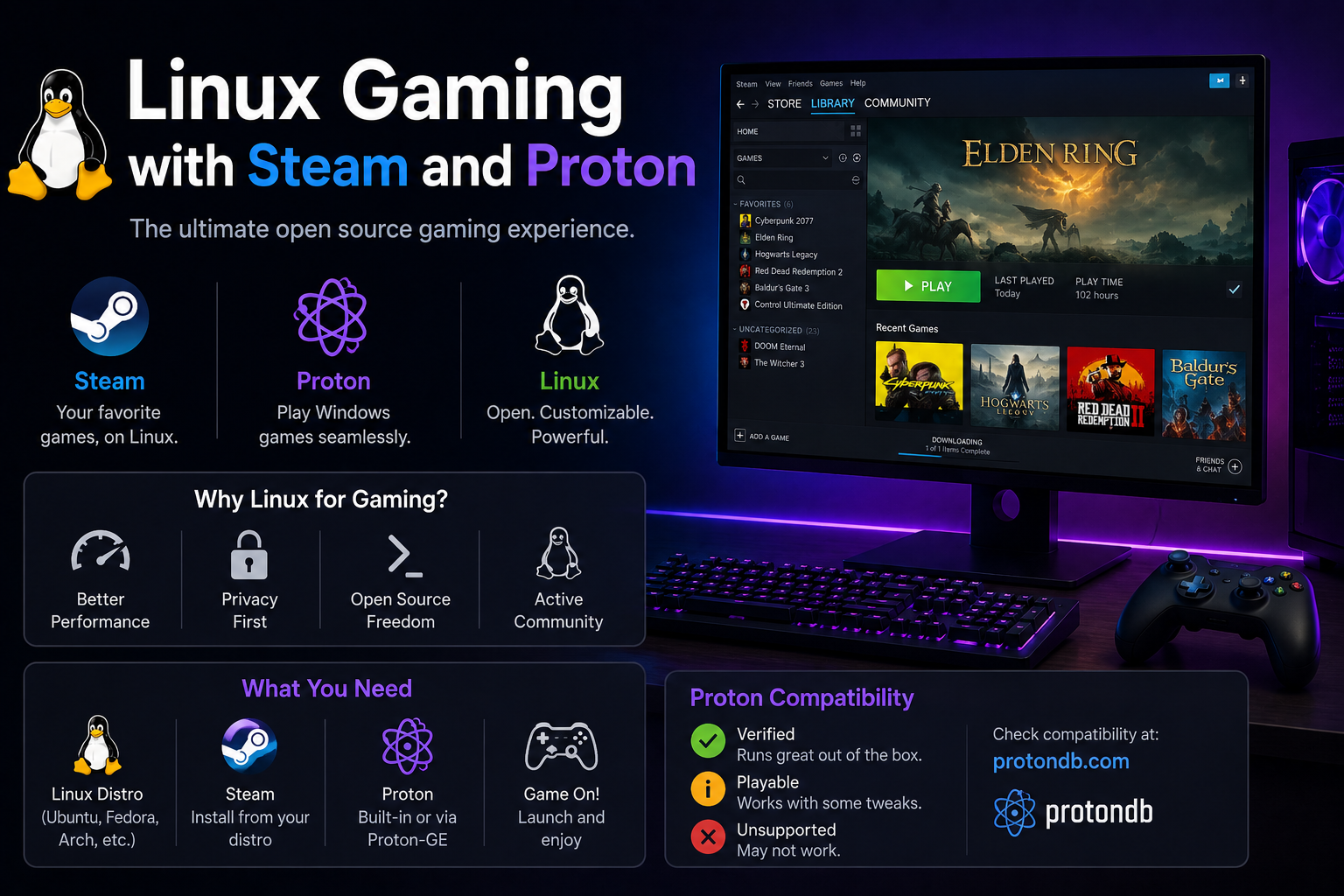
Steam + Proton generally works on NVIDIA Wayland with recent drivers. If specific titles fail, try X11 session temporarily to isolate compositor issues from Proton issues.
Install extras:
sudo dnf install gamemode mangohud
Power management and suspend
Sleep/resume remains the weakest area. Kernel parameters sometimes help:
Edit /etc/default/grub:
GRUB_CMDLINE_LINUX="nvidia.NVreg_PreserveVideoMemoryAllocations=1"
Apply:
sudo grub2-mkconfig -o /boot/grub2/grub.cfg
sudo reboot
Hybrid laptops: research supergfxctl or vendor-specific tools; Wayland + hybrid is still evolving.
Multi-monitor and desktop scaling
NVIDIA Wayland on GNOME supports mixed-DPI setups better than early attempts but still test:
- Fractional scaling (125%, 150%) on laptop panels
- External 4K monitors via DisplayPort
- Docking station hotplug sequences
nvidia-settings on X11 session exposes options not yet mirrored on Wayland—compare both sessions if work requires specific refresh rates or color profiles.
For color-critical work, verify ICC profiles propagate; some users keep X11 for photo editing until pipeline matures.
Benchmarking and validation
After each driver or kernel update, run a quick validation suite:
nvidia-smi
glxinfo | grep -E 'OpenGL (vendor|renderer|version)'
vulkaninfo | head -20
echo $XDG_SESSION_TYPE
journalctl -b -p err --no-pager | tail -30
Optional GPU stress (watch thermals):
glxgears
# or vulkan demos from mesa-utils-extra packages
Document working combinations in homelab wiki—future you will forget which environment variable fixed the black screen.
Hybrid Intel + NVIDIA laptops
Install supergfxctl or use BIOS mux switch to discrete-only mode when supported—simplifies Wayland immensely at battery cost.
# Example supergfxctl workflow on supported ASUS/others
supergfxctl --mode Integrated   # battery
supergfxctl --mode Hybrid       # balanced
supergfxctl --mode Dedicated    # performance
Verify which GPU renders:
glxinfo | grep "OpenGL renderer"
Flatpak vs native apps on NVIDIA Wayland
Electron apps differ as Flatpak vs native RPM—screen sharing and GPU paths vary. If Discord or Slack screen share fails on Wayland, test native builds or X11 session before blaming drivers.
Firefox hardware acceleration requires recent versions—verify with about:support graphics section after driver updates.
After major Fedora upgrades, reinstall RPM Fusion repos and akmod packages even if versions appear unchanged—stale dependencies cause subtle GL failures.
Wayland session screenshots for bug reports: include inxi -G, rpm -q akmod-nvidia, and GNOME version—NVIDIA forums reject incomplete reports.
Troubleshooting
| Symptom | Likely fix |
|---|---|
| Black screen after login | Switch to tty3 (Ctrl+Alt+F3), reinstall akmod-nvidia, rebuild initramfs, check journal |
| Wayland session missing | Ensure GDM Wayland enabled; remove /etc/gdm/custom.conf Wayland disable lines |
| X11 apps blurry on Wayland | Prefer native Wayland apps; check fractional scaling settings |
| Driver lost after kernel update | Wait for akmods rebuild or run sudo akmods --force; verify kernel-devel installed |
nvidia-smi works, no GL in apps |
Confirm __GLX_VENDOR_LIBRARY_NAME=nvidia; reinstall xorg-x11-drv-nvidia |
| Screen tearing | Enable VSync in compositor; try newer driver branch |
| External monitors hotplug fail | Update to latest akmod; test X11 session to compare |
Black screen recovery tty workflow:
sudo dnf reinstall akmod-nvidia xorg-x11-drv-nvidia*
sudo akmods --force
sudo dracut --force
sudo reboot
Disable problematic environment vars by commenting /etc/environment entries and rebooting—verify baseline before adding variables back one at a time.
Check GNOME extensions—some break on NVIDIA Wayland; test clean user session.
When to use X11 instead
- Screen sharing apps without portal support on your version
- Specific Proton games with flicker or full-screen issues
- Legacy CUDA apps interacting poorly with Wayland GL
Switch session at login gear icon—no reinstall required.
Key takeaways
- RPM Fusion + akmod-nvidia is the supported Fedora path—avoid random runfile installers.
- Set Wayland environment variables in
/etc/environmentand confirm with$XDG_SESSION_TYPE. - Re-run akmods after kernel updates; watch
nvidia-smibefore assuming breakage. - Secure Boot requires MOK enrollment or disabling—plan ahead on encrypted corporate laptops.
- Keep X11 session as fallback for gaming and screen sharing until your apps prove Wayland-ready.
FAQ
Does Fedora ship open NVIDIA drivers?
Nouveau exists but lacks performance and CUDA; proprietary drivers required for serious use.
Will Wayland break OBS/discord screen share?
Improving via xdg-desktop-portal; some setups still need X11 or pipewire workarounds—test your stack.
Can I use NVIDIA with KDE Plasma Wayland?
Increasingly yes on recent releases—GNOME on Fedora remains best documented.
How often do akmods fail?
Rarely if kernel-devel matches; fast-moving Fedora kernels occasionally need a day for akmod rebuilds—pin kernel temporarily only in emergencies.