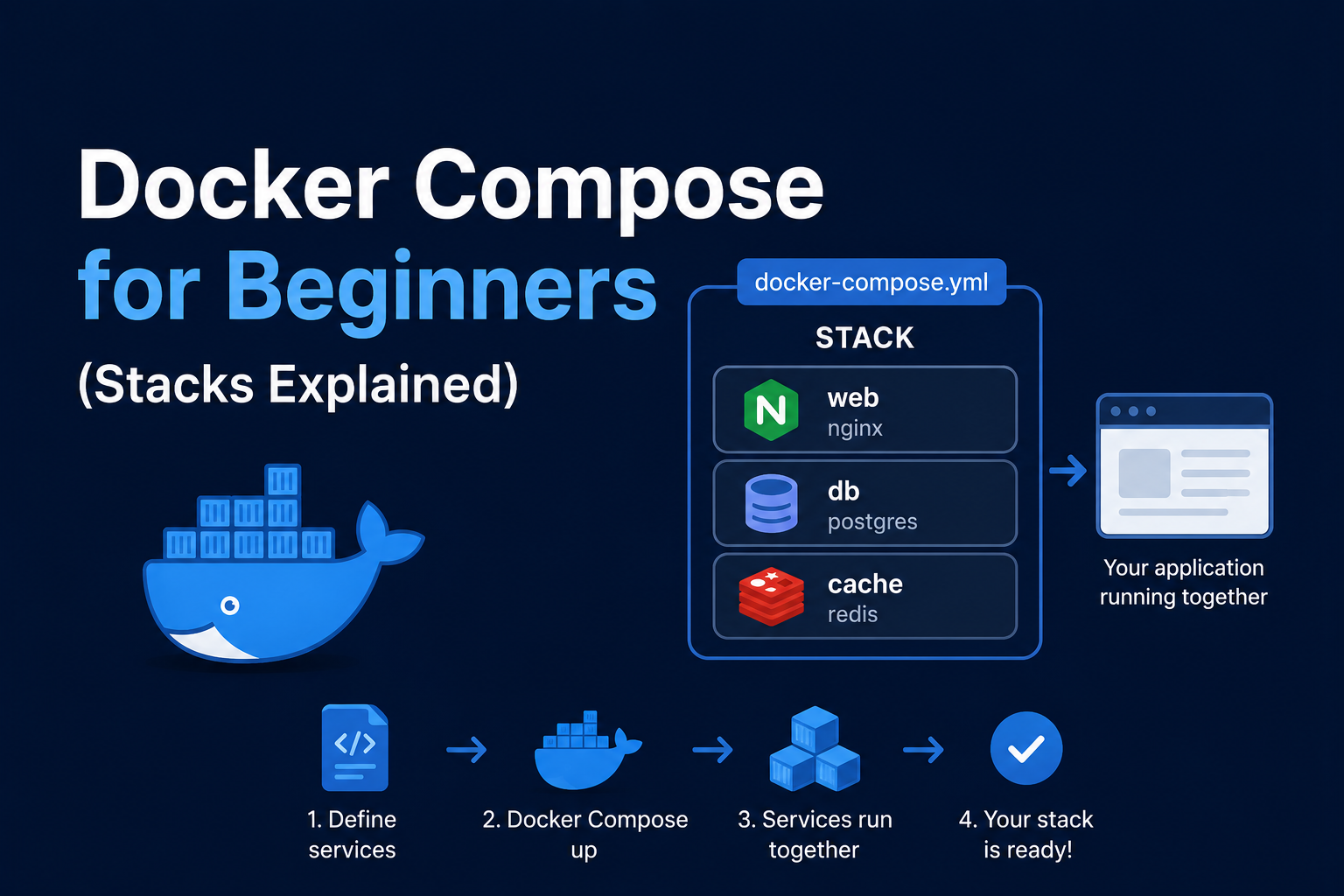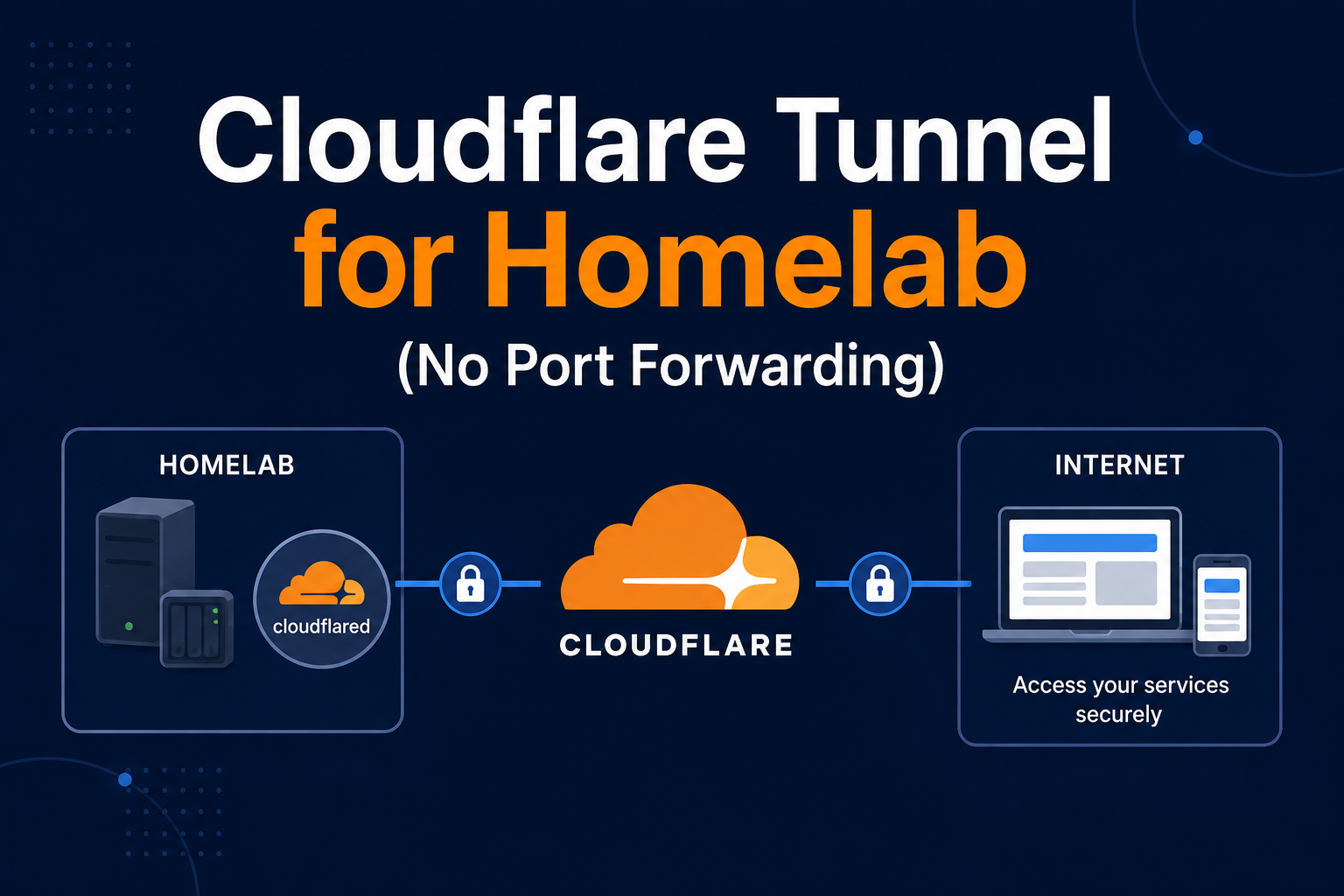
Cloudflare Tunnel (formerly Argo Tunnel, cloudflared) exposes homelab HTTP services without opening
inbound ports on your router. Traffic flows outbound from your network to Cloudflare edge, then users reach
https://app.example.com with Cloudflare TLS, WAF, and Access policies in front. This pattern suits CGNAT,
dynamic IP, and security-conscious operators who prefer not to publish port 443 at home. This guide deploys
cloudflared in Docker, maps hostnames to internal services, integrates with Traefik optionally, and covers
backup of credentials, security pitfalls, and troubleshooting.
Prerequisites
A domain on Cloudflare with nameservers transferred. Zero Trust account (free tier works). Identify internal
targets: http://traefik:80, http://homeassistant:8123, or individual containers. Install Docker and create
~/docker/cloudflared. Understand that tunnel tokens are secrets—leak equals exposure path to your lab.
Docker Compose stack
Create a tunnel in Cloudflare Zero Trust dashboard and copy the token, or mount credentials JSON.
services:
  cloudflared:
    image: cloudflare/cloudflared:2024.10.0
    container_name: cloudflared
    restart: unless-stopped
    command: tunnel run
    environment:
      - TUNNEL_TOKEN=${TUNNEL_TOKEN}
    networks:
      - proxy

networks:
  proxy:
    external: true
In Zero Trust Networks → Tunnels → Public Hostname, map jellyfin.example.com to
http://jellyfin:8096 on the Docker network. Multiple hostnames can share one tunnel connector.
Security notes
Enable Cloudflare Access (JWT, SSO, MFA) per application—tunnel without Access exposes services to the internet at URL obscurity only. Do not disable TLS verification on origins unless you understand risk. Split DNS can send LAN clients directly to internal IPs while remote users use tunnel. Review audit logs in Zero Trust. Rotate tunnel tokens if exposed. WAF rules block common exploits before they hit Jellyfin or Home Assistant.
Backup
Export tunnel configuration from Zero Trust UI screenshots and document hostname-to-service mapping in git.
Store TUNNEL_TOKEN in password manager. If using certificate-based tunnel credentials, back up JSON securely.
Recreate tunnel quickly by keeping compose file and token recovery codes.
Reverse proxy context
Two patterns: (1) tunnel points to Traefik on port 80/443 inside Docker—Traefik still manages local certs or HTTP only behind tunnel; (2) tunnel points directly to apps. Pattern 1 centralizes routing; pattern 2 reduces hops. Cloudflare terminates client TLS; origin may be HTTP on private network—acceptable when tunnel is the only entry. Avoid exposing Traefik dashboard through tunnel without Access.
Troubleshooting
502 bad gateway: wrong internal URL, container down, or network not shared—attach cloudflared to same
Docker network as backends. Certificate errors on origin: use http:// origin or install origin certs if
using HTTPS to backend. Tunnel offline: check token env var, outbound UDP/TCP blocked by ISP. Access denied:
fix Access policy identity provider.
Key takeaways
Cloudflare Tunnel removes port-forwarding while adding Zero Trust controls. Docker cloudflared joins your
proxy network; pair tunnels with Access policies, document mappings, and treat tokens as secrets.
Homelab operators should treat documentation as part of the deployment: record image tags,
volume paths, environment variables, and the exact Compose file revision in your internal wiki
or git repository. When you rebuild the host six months later, those notes prevent guesswork
about which UID owned a bind mount or which DNS name the reverse proxy expected. Version-control
your stack directory and review diffs before docker compose up -d, especially when labels or
network names change.
Capacity planning remains underrated in small labs. Monitor CPU, memory, disk I/O, and network utilization for a full week under normal household load before declaring hardware sufficient. Burst workloads—library scans, backup deduplication, VPN throughput tests, or 4K transcodes—often define minimum specs more than idle dashboards. Leave headroom for OS updates and one misbehaving container without cascading failures across unrelated services.
Change management applies even when you are the only administrator. Take volume snapshots or
export application backups before major upgrades. Roll back by restoring the previous Compose
file and pinned image digest, not by improvising latest tags under pressure. If you integrate
with Home Assistant, Authentik, or Authelia later, note which services assumed anonymous LAN
access so you can tighten authentication deliberately rather than breaking automations overnight.
Network segmentation pays dividends when a guest Wi-Fi VLAN, IoT subnet, and management LAN coexist. Place management UIs on administrative networks, expose only reverse-proxied HTTPS endpoints where required, and default-deny east-west traffic between VLANs except established flows you document. Logs sent to Loki or a centralized syslog host make correlating reverse-proxy errors with container restarts far faster than SSHing into each machine during an incident.
Homelab operators should treat documentation as part of the deployment: record image tags,
volume paths, environment variables, and the exact Compose file revision in your internal wiki
or git repository. When you rebuild the host six months later, those notes prevent guesswork
about which UID owned a bind mount or which DNS name the reverse proxy expected. Version-control
your stack directory and review diffs before docker compose up -d, especially when labels or
network names change.
Capacity planning remains underrated in small labs. Monitor CPU, memory, disk I/O, and network utilization for a full week under normal household load before declaring hardware sufficient. Burst workloads—library scans, backup deduplication, VPN throughput tests, or 4K transcodes—often define minimum specs more than idle dashboards. Leave headroom for OS updates and one misbehaving container without cascading failures across unrelated services.
Change management applies even when you are the only administrator. Take volume snapshots or
export application backups before major upgrades. Roll back by restoring the previous Compose
file and pinned image digest, not by improvising latest tags under pressure. If you integrate
with Home Assistant, Authentik, or Authelia later, note which services assumed anonymous LAN
access so you can tighten authentication deliberately rather than breaking automations overnight.
Network segmentation pays dividends when a guest Wi-Fi VLAN, IoT subnet, and management LAN coexist. Place management UIs on administrative networks, expose only reverse-proxied HTTPS endpoints where required, and default-deny east-west traffic between VLANs except established flows you document. Logs sent to Loki or a centralized syslog host make correlating reverse-proxy errors with container restarts far faster than SSHing into each machine during an incident.
Homelab operators should treat documentation as part of the deployment: record image tags,
volume paths, environment variables, and the exact Compose file revision in your internal wiki
or git repository. When you rebuild the host six months later, those notes prevent guesswork
about which UID owned a bind mount or which DNS name the reverse proxy expected. Version-control
your stack directory and review diffs before docker compose up -d, especially when labels or
network names change.
Capacity planning remains underrated in small labs. Monitor CPU, memory, disk I/O, and network utilization for a full week under normal household load before declaring hardware sufficient. Burst workloads—library scans, backup deduplication, VPN throughput tests, or 4K transcodes—often define minimum specs more than idle dashboards. Leave headroom for OS updates and one misbehaving container without cascading failures across unrelated services.
Change management applies even when you are the only administrator. Take volume snapshots or
export application backups before major upgrades. Roll back by restoring the previous Compose
file and pinned image digest, not by improvising latest tags under pressure. If you integrate
with Home Assistant, Authentik, or Authelia later, note which services assumed anonymous LAN
access so you can tighten authentication deliberately rather than breaking automations overnight.
Network segmentation pays dividends when a guest Wi-Fi VLAN, IoT subnet, and management LAN coexist. Place management UIs on administrative networks, expose only reverse-proxied HTTPS endpoints where required, and default-deny east-west traffic between VLANs except established flows you document. Logs sent to Loki or a centralized syslog host make correlating reverse-proxy errors with container restarts far faster than SSHing into each machine during an incident.