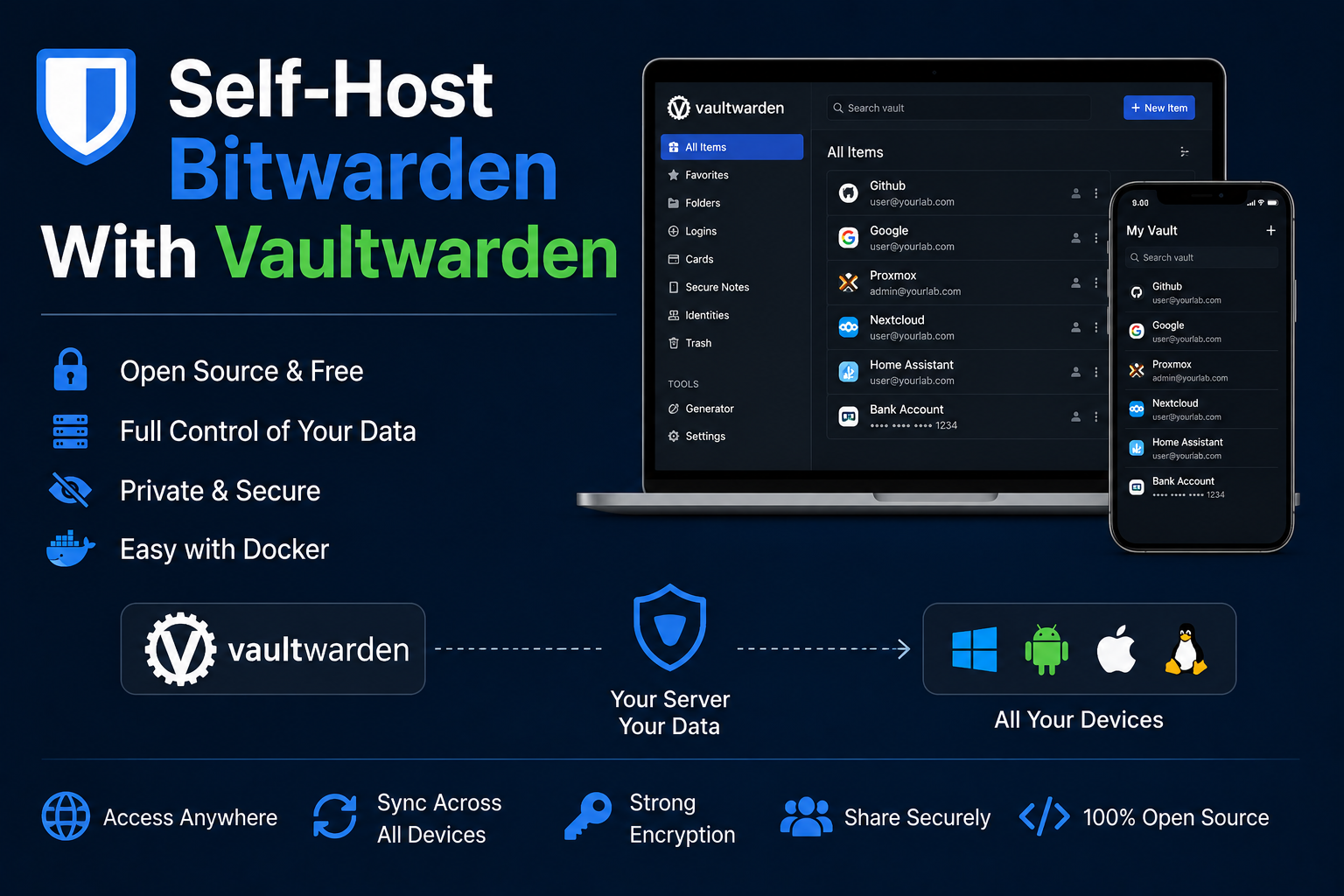
Vaultwarden is a lightweight, compatible implementation of the Bitwarden server protocol, ideal for
homelabs that want password and TOTP vault sync without Bitwarden cloud subscription costs. Written in
Rust, it uses fewer resources than official servers and runs happily in a small container with SQLite.
This guide deploys Vaultwarden with Docker Compose, configures the web vault and mobile clients, hardens
admin endpoints, places the service behind a reverse proxy with TLS, defines backup strategy for data,
and covers troubleshooting signup and websocket issues.
Prerequisites
You need Docker, a domain (vault.example.com), and SMTP credentials if you require email verification
and invitations—many labs use Mailgun, Amazon SES, or a local relay. Generate ADMIN_TOKEN with
openssl rand -base64 48. Plan storage for ./data including SQLite and attachments. Clients are official
Bitwarden apps pointed at your URL.
Docker Compose stack
services:
  vaultwarden:
    image: vaultwarden/server:1.32.5
    container_name: vaultwarden
    restart: unless-stopped
    environment:
      - DOMAIN=https://vault.example.com
      - SIGNUPS_ALLOWED=false
      - INVITATIONS_ALLOWED=true
      - ADMIN_TOKEN=${ADMIN_TOKEN}
      - SMTP_HOST=smtp.example.com
      - SMTP_FROM=vault@example.com
      - SMTP_USERNAME=${SMTP_USER}
      - SMTP_PASSWORD=${SMTP_PASSWORD}
      - SMTP_SECURITY=starttls
    volumes:
      - ./data:/data
    networks:
      - proxy
    labels:
      - traefik.enable=true
      - traefik.http.routers.vw.rule=Host(`vault.example.com`)
      - traefik.http.routers.vw.entrypoints=websecure
      - traefik.http.routers.vw.tls.certresolver=le
      - traefik.http.services.vw.loadbalancer.server.port=80

networks:
  proxy:
    external: true
Set SIGNUPS_ALLOWED=false after creating your account to prevent public registration. Access admin at
https://vault.example.com/admin with ADMIN_TOKEN.
Client configuration
In Bitwarden mobile or browser extension, set self-hosted environment server URL to your DOMAIN.
Create organization only if you need shared collections; personal vaults work without org overhead. Enable
2FA on accounts; Vaultwarden supports authenticator and email flows per upstream compatibility.
Security notes
Protect ADMIN_TOKEN like a root password. TLS is mandatory on public deployments. Keep Vaultwarden updated;
security advisories appear on GitHub. Fail2ban on nginx/Traefik helps brute-force login attempts. Disable
open signups. For highest assurance, run behind VPN only and block public DNS. Attachments increase data
sensitivity—encrypt backups and restrict filesystem permissions on ./data to the container user.
Backup
Stop container optional; copy ./data with Restic or tar. SQLite consistency is improved with
sqlite3 data/db.sqlite3 '.backup main.db' during maintenance windows. Store backups off-site encrypted.
Document DOMAIN and admin token location for estate recovery. Test restore by importing backup into a
staging container.
Reverse proxy context
Vaultwarden expects websockets for live sync; Traefik and Caddy handle this by default on HTTP/1.1 upgrade.
Set DOMAIN exactly to public URL including scheme. Do not terminate TLS twice. Large attachment uploads
may need increased client_max_body_size in Nginx or Traefik buffering limits.
Troubleshooting
Registration not allowed after first user: enable invites or temporarily allow signups. Mobile sync fails:
verify clock, certificate chain, and DOMAIN. Admin panel 404: path is /admin not /admin/. Email not
sending: test SMTP with swaks. Database locked: ensure single instance and adequate disk space.
Key takeaways
Vaultwarden is the homelab standard for self-hosted password management. Lock signups, secure admin token,
proxy with TLS, and backup data relentlessly. Point official clients at your domain and treat it as tier-zero infrastructure.
Homelab operators should treat documentation as part of the deployment: record image tags,
volume paths, environment variables, and the exact Compose file revision in your internal wiki
or git repository. When you rebuild the host six months later, those notes prevent guesswork
about which UID owned a bind mount or which DNS name the reverse proxy expected. Version-control
your stack directory and review diffs before docker compose up -d, especially when labels or
network names change.
Capacity planning remains underrated in small labs. Monitor CPU, memory, disk I/O, and network utilization for a full week under normal household load before declaring hardware sufficient. Burst workloads—library scans, backup deduplication, VPN throughput tests, or 4K transcodes—often define minimum specs more than idle dashboards. Leave headroom for OS updates and one misbehaving container without cascading failures across unrelated services.
Change management applies even when you are the only administrator. Take volume snapshots or
export application backups before major upgrades. Roll back by restoring the previous Compose
file and pinned image digest, not by improvising latest tags under pressure. If you integrate
with Home Assistant, Authentik, or Authelia later, note which services assumed anonymous LAN
access so you can tighten authentication deliberately rather than breaking automations overnight.
Network segmentation pays dividends when a guest Wi-Fi VLAN, IoT subnet, and management LAN coexist. Place management UIs on administrative networks, expose only reverse-proxied HTTPS endpoints where required, and default-deny east-west traffic between VLANs except established flows you document. Logs sent to Loki or a centralized syslog host make correlating reverse-proxy errors with container restarts far faster than SSHing into each machine during an incident.
Homelab operators should treat documentation as part of the deployment: record image tags,
volume paths, environment variables, and the exact Compose file revision in your internal wiki
or git repository. When you rebuild the host six months later, those notes prevent guesswork
about which UID owned a bind mount or which DNS name the reverse proxy expected. Version-control
your stack directory and review diffs before docker compose up -d, especially when labels or
network names change.
Capacity planning remains underrated in small labs. Monitor CPU, memory, disk I/O, and network utilization for a full week under normal household load before declaring hardware sufficient. Burst workloads—library scans, backup deduplication, VPN throughput tests, or 4K transcodes—often define minimum specs more than idle dashboards. Leave headroom for OS updates and one misbehaving container without cascading failures across unrelated services.
Change management applies even when you are the only administrator. Take volume snapshots or
export application backups before major upgrades. Roll back by restoring the previous Compose
file and pinned image digest, not by improvising latest tags under pressure. If you integrate
with Home Assistant, Authentik, or Authelia later, note which services assumed anonymous LAN
access so you can tighten authentication deliberately rather than breaking automations overnight.
Network segmentation pays dividends when a guest Wi-Fi VLAN, IoT subnet, and management LAN coexist. Place management UIs on administrative networks, expose only reverse-proxied HTTPS endpoints where required, and default-deny east-west traffic between VLANs except established flows you document. Logs sent to Loki or a centralized syslog host make correlating reverse-proxy errors with container restarts far faster than SSHing into each machine during an incident.
Homelab operators should treat documentation as part of the deployment: record image tags,
volume paths, environment variables, and the exact Compose file revision in your internal wiki
or git repository. When you rebuild the host six months later, those notes prevent guesswork
about which UID owned a bind mount or which DNS name the reverse proxy expected. Version-control
your stack directory and review diffs before docker compose up -d, especially when labels or
network names change.
Capacity planning remains underrated in small labs. Monitor CPU, memory, disk I/O, and network utilization for a full week under normal household load before declaring hardware sufficient. Burst workloads—library scans, backup deduplication, VPN throughput tests, or 4K transcodes—often define minimum specs more than idle dashboards. Leave headroom for OS updates and one misbehaving container without cascading failures across unrelated services.
Change management applies even when you are the only administrator. Take volume snapshots or
export application backups before major upgrades. Roll back by restoring the previous Compose
file and pinned image digest, not by improvising latest tags under pressure. If you integrate
with Home Assistant, Authentik, or Authelia later, note which services assumed anonymous LAN
access so you can tighten authentication deliberately rather than breaking automations overnight.