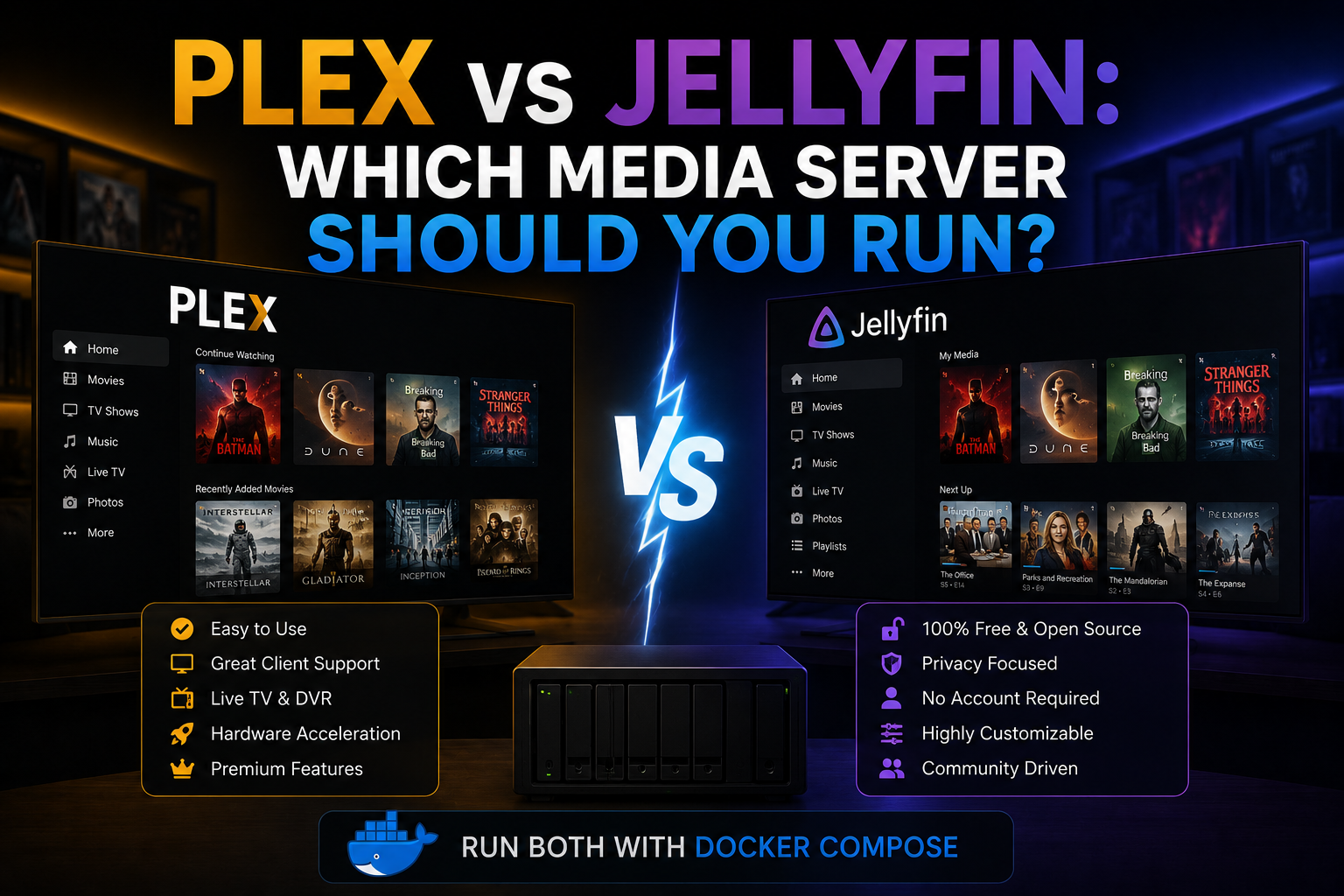
Choosing between Plex and Jellyfin is the defining media-server decision for many homelabs. Both index libraries, serve clients on TVs and phones, and support hardware transcoding—but licensing, privacy, remote access, and plugin ecosystems diverge enough that migration costs real time. This comparison targets self-hosters running Docker who care about ownership, reverse-proxy integration, backup portability, and long-term fees. Neither tool replaces good library naming; both punish chaotic folder trees.
Prerequisites for evaluation
Standardize test media: one 4K HDR remux, one 1080p HEVC file, one AV1 sample if your clients matter, and a TV season with mixed naming. Use the same hardware for transcode tests—Intel VAAPI, NVIDIA NVENC, or CPU only. Measure from identical client devices on Wi-Fi and LTE. Document whether you need mobile sync offline, DVR, or music-first features.
Plex: strengths and trade-offs
Plex Inc. develops the dominant commercial server. The Docker image plexinc/pms-docker is widely documented.
Plex offers polished first-party apps, Plex Pass features (hardware tone mapping, skip intro, downloads), and
optional Plex Relay when port forwarding fails. Downsides: account requirement for many flows, telemetry and
online metadata calls, and subscription cost for premium features. Remote watch history syncs through Plex
cloud unless you harden privacy settings. Reverse proxy setup is supported but must follow Plex documentation
for custom_connections and secure connections to avoid insecure warnings.
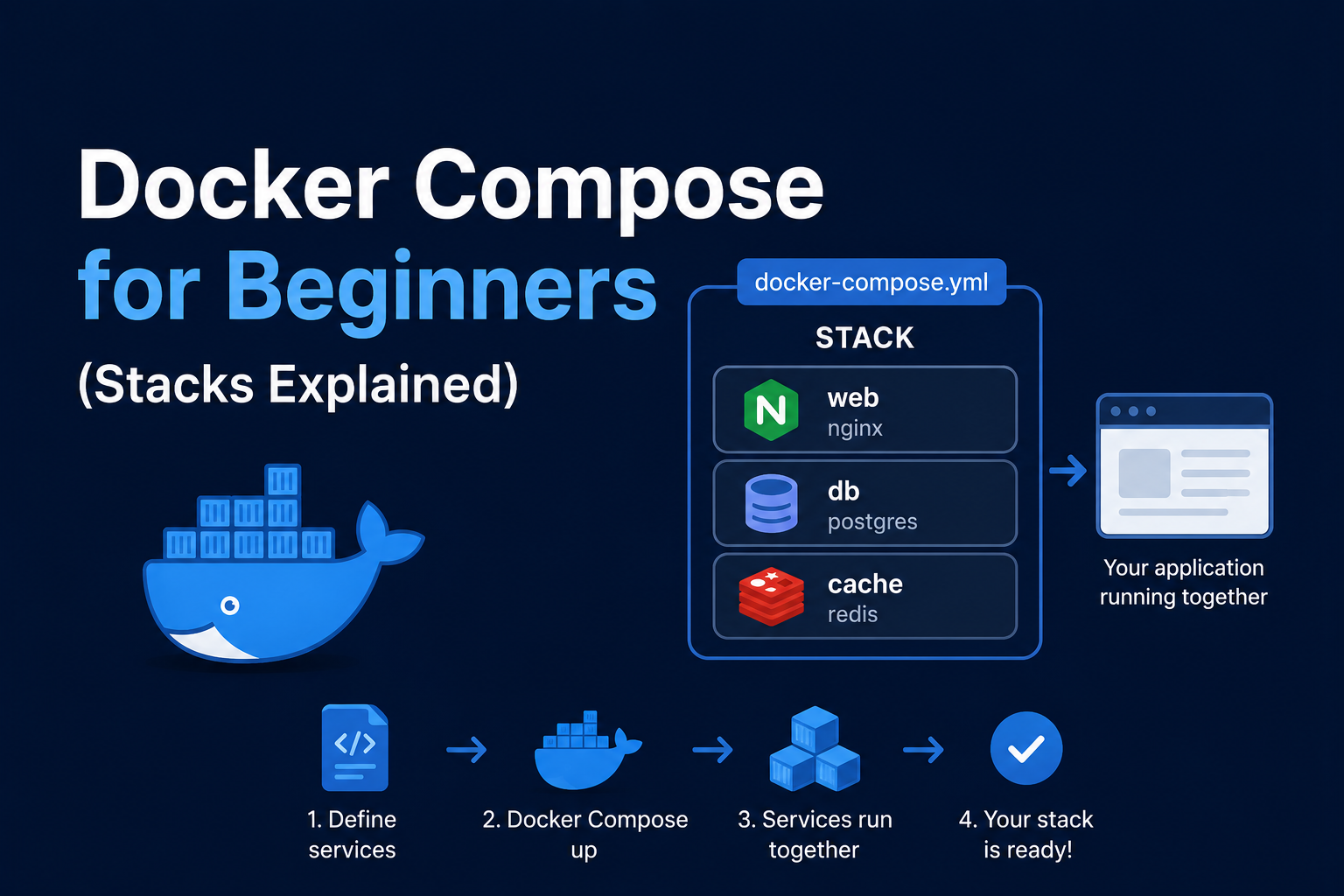
Example minimal Compose for Plex:
services:
  plex:
    image: plexinc/pms-docker:latest
    restart: unless-stopped
    environment:
      - TZ=America/New_York
      - PLEX_CLAIM=${PLEX_CLAIM}
    volumes:
      - ./config:/config
      - /mnt/media:/media:ro
    ports:
      - "32400:32400"
    devices:
      - /dev/dri:/dev/dri
Jellyfin: strengths and trade-offs
Jellyfin is GPLv2-forked from Emby 3.5, fully open source, no vendor account required. Feature parity for
local playback is excellent; clients exist for most platforms though polish varies. Plugins cover metadata,
LDAP, and experimental features without paywalls. Jellyfin wants JELLYFIN_PublishedServerUrl behind reverse
proxies. Hardware transcoding works with VAAPI/NVENC similar to Plex. You trade Plex’s seamless remote relay
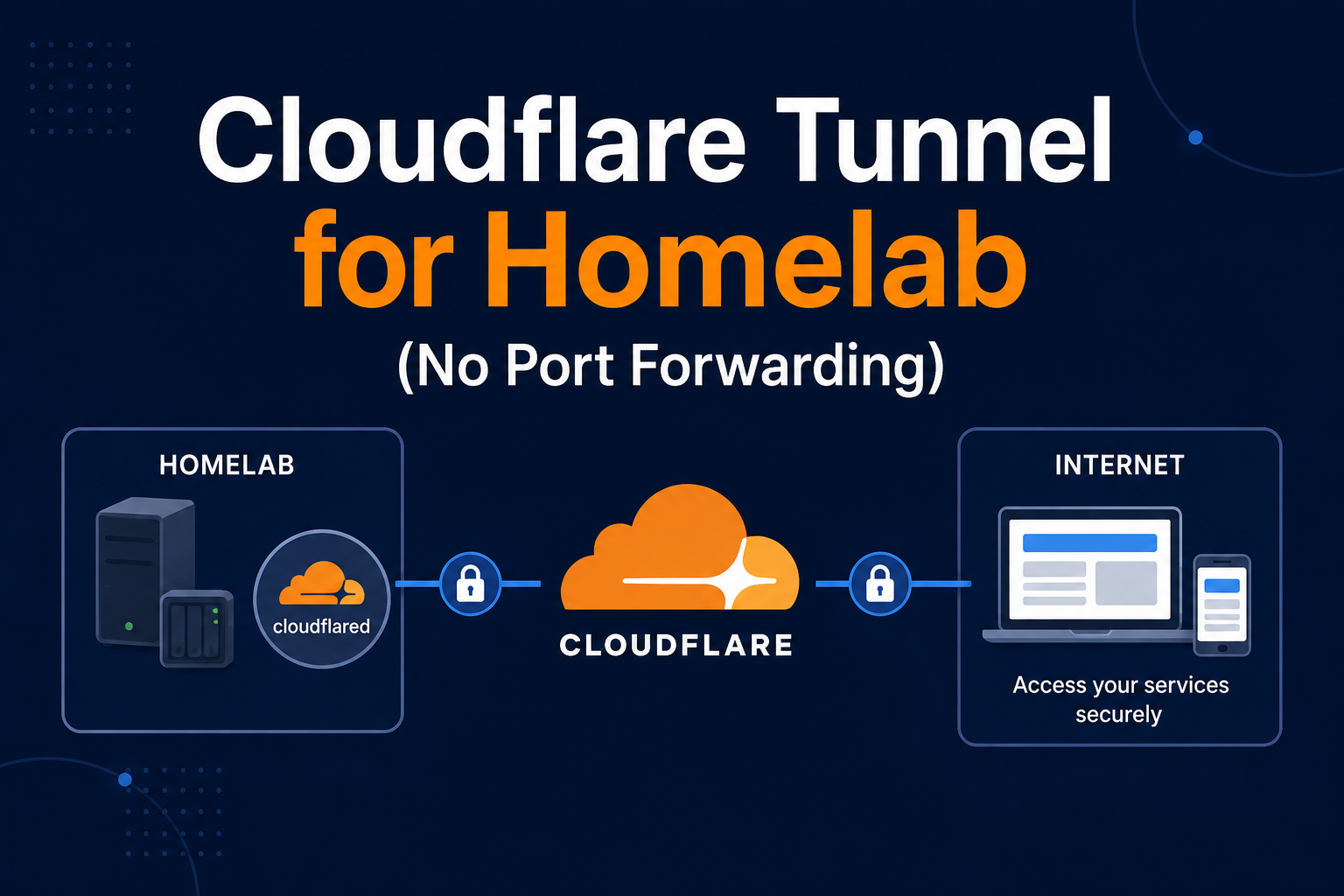
for VPN or Cloudflare Tunnel you control.
Security and privacy
Jellyfin keeps authentication local; Plex ties identity to plex.tv for many operations—a homelab threat model may dislike external account dependency. Both need HTTPS for remote access. Jellyfin logs stay on your disk; Plex’s privacy policy governs cloud components. Harden either by not port-forwarding and using WireGuard.
Backup considerations
Plex stores server identity and metadata in /config; Jellyfin similarly. Neither replaces backing up media.
Export watch-state before migration—tools exist but are imperfect. For Jellyfin, snapshot config volume;
for Plex, include Plugins and Preferences. Document API keys and claimed server tokens offline.
Reverse proxy context
Traefik/Caddy in front of Jellyfin is common with standard forwarded headers. Plex requires careful
custom_connections entries listing public HTTPS URLs or clients refuse insecure streams. Subpath routing is
awkward for both; subdomains win.
Troubleshooting comparison
Plex unavailable server: claim expired, double NAT, or relay disabled. Jellyfin playback error:
often transcode device permissions on /dev/dri. Metadata mismatches plague both when naming is inconsistent.
Client app issues: Plex updates faster on Apple TV; Jellyfin Android TV fork quality depends on client choice.
Decision matrix
Pick Plex if household members demand lowest-friction official apps and you accept Plex Pass cost. Pick Jellyfin if FOSS alignment, no cloud account, and full control outweigh occasional client rough edges. Many labs run Jellyfin first, then trial Plex for one month before committing library work.
Key takeaways
Plex optimizes convenience and ecosystem; Jellyfin optimizes sovereignty and cost. Docker deploys both; your reverse-proxy, VPN, and backup discipline matter more than logo choice. Test transcodes and remote playback on real clients before re-ripping hundreds of discs.
Homelab operators should treat documentation as part of the deployment: record image tags,
volume paths, environment variables, and the exact Compose file revision in your internal wiki
or git repository. When you rebuild the host six months later, those notes prevent guesswork
about which UID owned a bind mount or which DNS name the reverse proxy expected. Version-control
your stack directory and review diffs before docker compose up -d, especially when labels or
network names change.
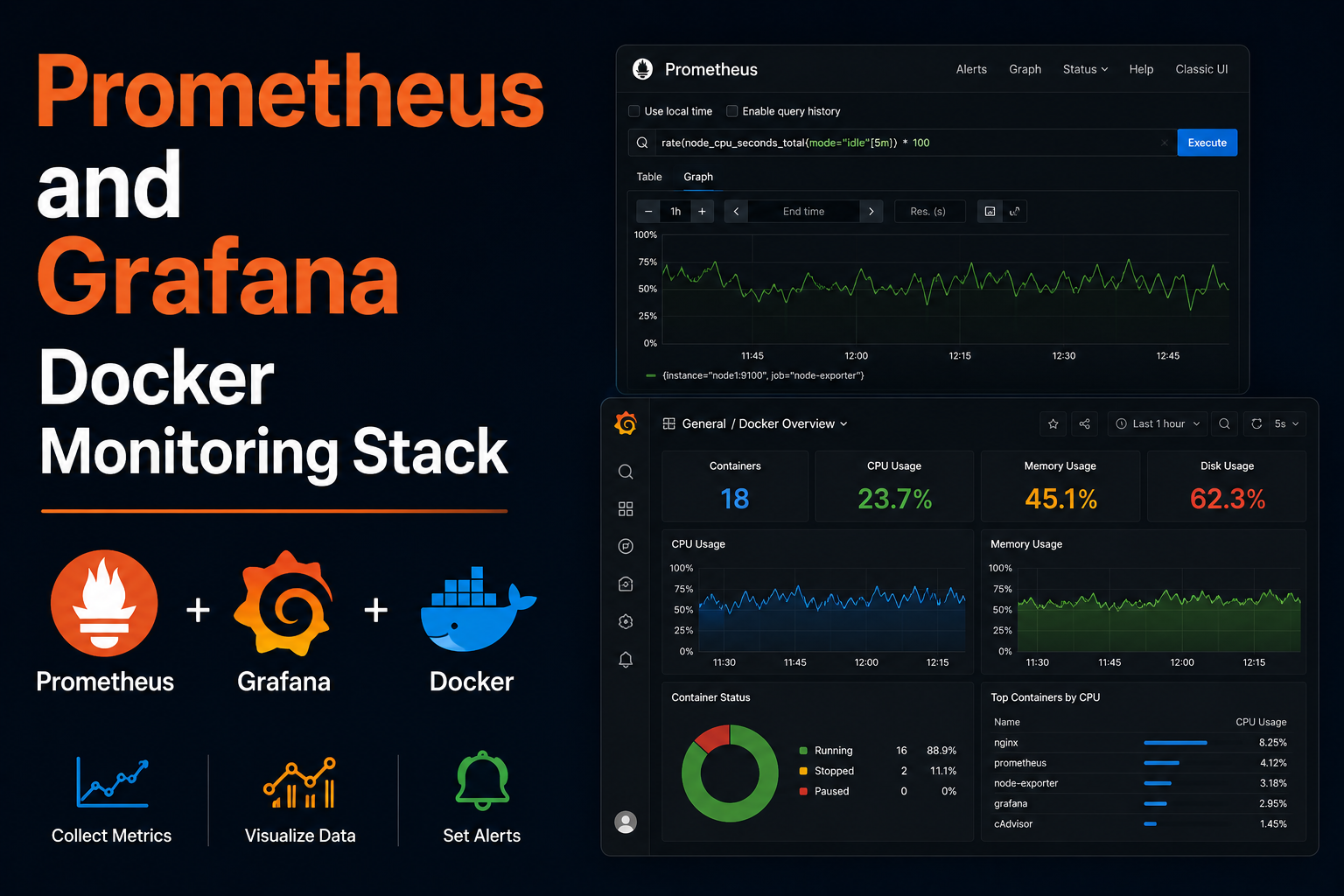
Capacity planning remains underrated in small labs. Monitor CPU, memory, disk I/O, and network utilization for a full week under normal household load before declaring hardware sufficient. Burst workloads—library scans, backup deduplication, VPN throughput tests, or 4K transcodes—often define minimum specs more than idle dashboards. Leave headroom for OS updates and one misbehaving container without cascading failures across unrelated services.
Change management applies even when you are the only administrator. Take volume snapshots or
export application backups before major upgrades. Roll back by restoring the previous Compose
file and pinned image digest, not by improvising latest tags under pressure. If you integrate
with Home Assistant, Authentik, or Authelia later, note which services assumed anonymous LAN
access so you can tighten authentication deliberately rather than breaking automations overnight.
Network segmentation pays dividends when a guest Wi-Fi VLAN, IoT subnet, and management LAN coexist. Place management UIs on administrative networks, expose only reverse-proxied HTTPS endpoints where required, and default-deny east-west traffic between VLANs except established flows you document. Logs sent to Loki or a centralized syslog host make correlating reverse-proxy errors with container restarts far faster than SSHing into each machine during an incident.
Homelab operators should treat documentation as part of the deployment: record image tags,
volume paths, environment variables, and the exact Compose file revision in your internal wiki
or git repository. When you rebuild the host six months later, those notes prevent guesswork
about which UID owned a bind mount or which DNS name the reverse proxy expected. Version-control
your stack directory and review diffs before docker compose up -d, especially when labels or
network names change.
Capacity planning remains underrated in small labs. Monitor CPU, memory, disk I/O, and network utilization for a full week under normal household load before declaring hardware sufficient. Burst workloads—library scans, backup deduplication, VPN throughput tests, or 4K transcodes—often define minimum specs more than idle dashboards. Leave headroom for OS updates and one misbehaving container without cascading failures across unrelated services.
Change management applies even when you are the only administrator. Take volume snapshots or
export application backups before major upgrades. Roll back by restoring the previous Compose
file and pinned image digest, not by improvising latest tags under pressure. If you integrate
with Home Assistant, Authentik, or Authelia later, note which services assumed anonymous LAN
access so you can tighten authentication deliberately rather than breaking automations overnight.
Network segmentation pays dividends when a guest Wi-Fi VLAN, IoT subnet, and management LAN coexist. Place management UIs on administrative networks, expose only reverse-proxied HTTPS endpoints where required, and default-deny east-west traffic between VLANs except established flows you document. Logs sent to Loki or a centralized syslog host make correlating reverse-proxy errors with container restarts far faster than SSHing into each machine during an incident.
Homelab operators should treat documentation as part of the deployment: record image tags,
volume paths, environment variables, and the exact Compose file revision in your internal wiki
or git repository. When you rebuild the host six months later, those notes prevent guesswork
about which UID owned a bind mount or which DNS name the reverse proxy expected. Version-control
your stack directory and review diffs before docker compose up -d, especially when labels or
network names change.
Capacity planning remains underrated in small labs. Monitor CPU, memory, disk I/O, and network utilization for a full week under normal household load before declaring hardware sufficient. Burst workloads—library scans, backup deduplication, VPN throughput tests, or 4K transcodes—often define minimum specs more than idle dashboards. Leave headroom for OS updates and one misbehaving container without cascading failures across unrelated services.