Home Assistant is the open-source automation hub homelab users deploy to unify lights, climate, security cameras, energy monitors, and arbitrary MQTT devices. Running it in Docker separates upgrade cycles from the host OS, snapshots cleanly, and pairs with hardware passthrough when needed for Bluetooth or Zigbee coordinators. Production-minded Docker deployment means reliable database storage, correct timezone and location, reverse-proxy headers for remote UI access, and backups that include automations and add-ons you cannot rebuild from memory. This guide walks through Home Assistant Container (not supervised) with Compose, security hardening, and integration with Traefik.
Prerequisites
Allocate a machine that is always on—Intel NUC, mini PC, or VM with USB if you use a ConBee or SkyConnect
dongle. Docker Engine 24+ and Compose v2 are required. Know your timezone and map coordinates for sun
automation. Plan host network versus bridge: many guides use host mode for mDNS discovery; bridge
with published ports works when you rely on MQTT brokers and IP-based integrations. Create ~/docker/homeassistant.
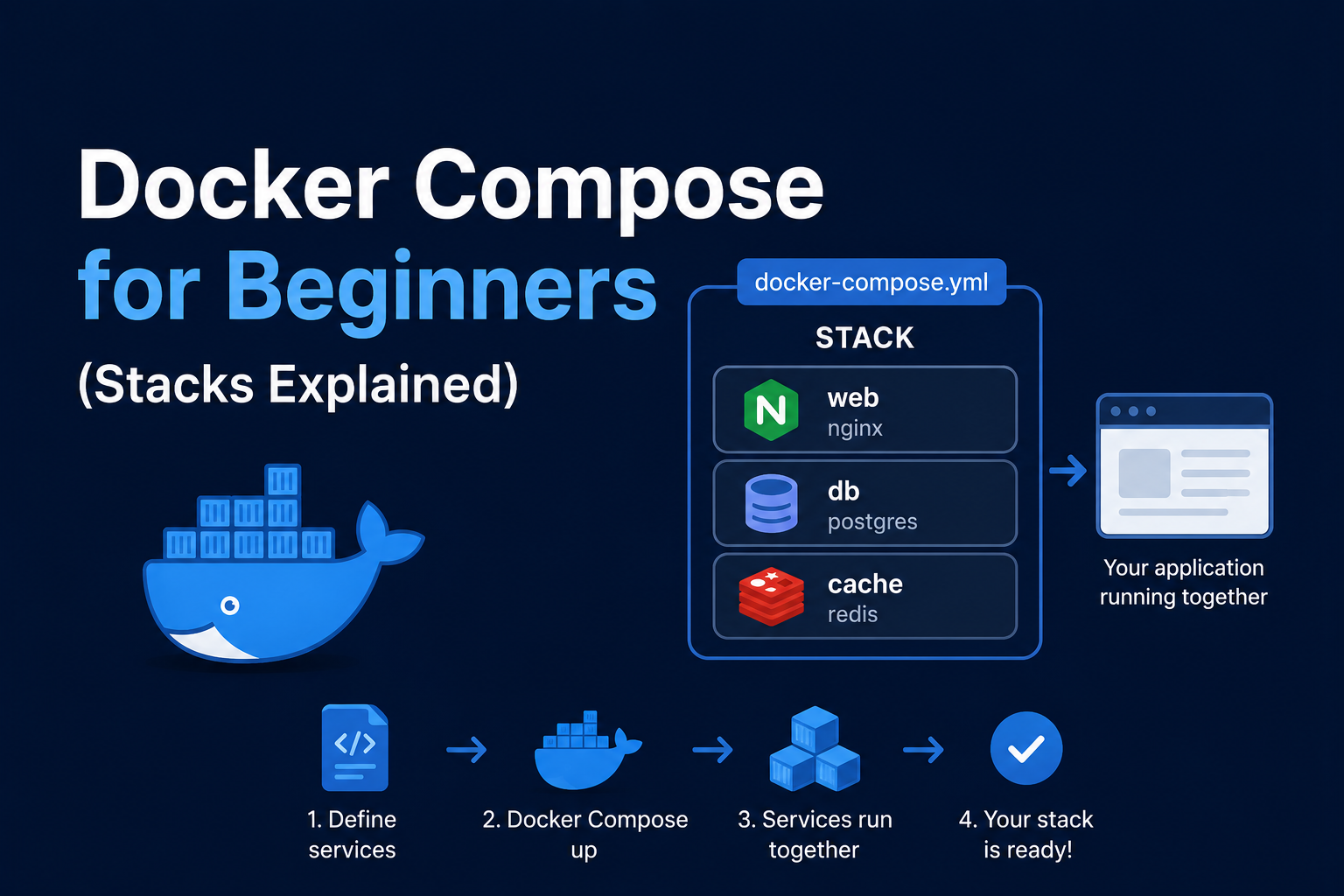
Docker Compose stack
services:
  homeassistant:
    image: ghcr.io/home-assistant/home-assistant:stable
    container_name: homeassistant
    restart: unless-stopped
    privileged: false
    environment:
      - TZ=America/New_York
    volumes:
      - ./config:/config
    ports:
      - "8123:8123"
    networks:
      - proxy

networks:
  proxy:
    external: true
For Zigbee/Z-Wave USB, add devices: - /dev/ttyUSB0:/dev/ttyACM0 matching your stick. First boot creates
configuration.yaml; complete onboarding in the UI at http://host:8123.
Configuration essentials
Enable advanced mode under profile settings. Install HACS from official instructions if you use community
integrations—treat HACS as supply-chain risk and pin repositories. Prefer the built-in Mosquitto add-on
only in supervised installs; in container setups, run a separate Mosquitto container on the same Docker network
and point integrations at mqtt://mosquitto:1883. Record entity naming conventions early to avoid light.light_light.
Security notes
Change default credentials during onboarding. Expose 8123 to the internet only behind HTTPS and strong auth;
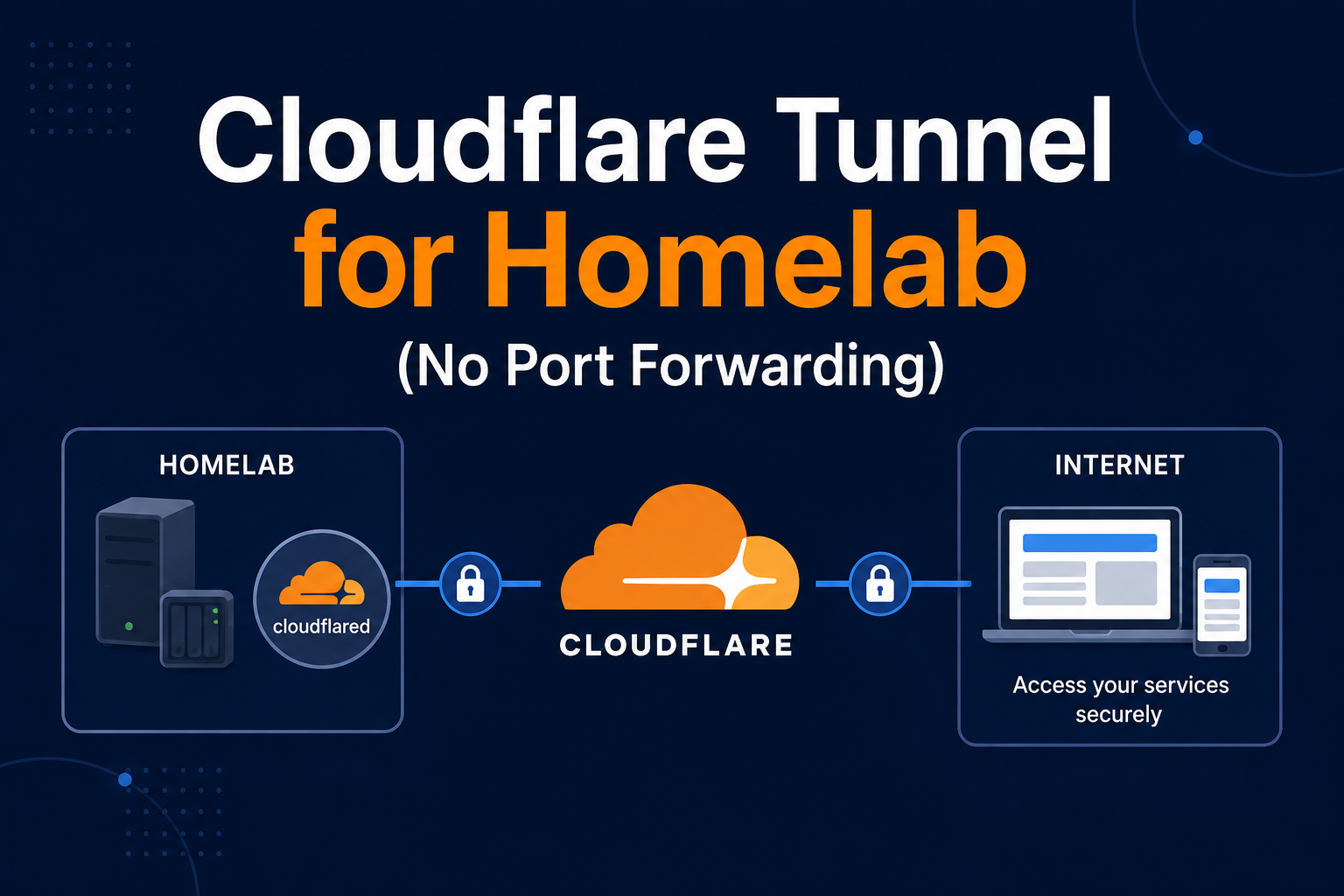
better: VPN or Cloudflare Tunnel with access policies. Review Settings → People → Authorized networks.
Disable UPnP on routers. Audit integrations that use cloud polling versus local control. Keep images updated;
read release notes before major jumps. Secrets belong in secrets.yaml, referenced from configuration.yaml.
Backup
Stop the container for consistent tar backups of ./config, or use Home Assistant's snapshot if you migrate to
supervised/OS. Minimum: nightly copy of config including .storage, automations.yaml, scripts.yaml, and
secrets.yaml encrypted off-site. Test restore by spinning a parallel container on another port.
Reverse proxy context
Traefik labels example:
labels:
  - traefik.enable=true
  - traefik.http.routers.ha.rule=Host(`ha.example.com`)
  - traefik.http.routers.ha.entrypoints=websecure
  - traefik.http.routers.ha.tls.certresolver=le
  - traefik.http.services.ha.loadbalancer.server.port=8123
Set use_x_forwarded_for and trusted proxies in configuration.yaml per docs when behind reverse proxy.
WebSocket must work for the frontend. Subpath deployment is painful—prefer a dedicated subdomain.
Troubleshooting
Integrations unavailable after upgrade: check breaking changes and deprecated YAML keys in logs
docker logs homeassistant. Bluetooth missing in bridge mode: switch to host networking or use ESPHome
devices on Wi-Fi. Database growth: enable recorder purge or exclude noisy entities. CPU spikes: identify
runaway automations with trace in Developer Tools.
Key takeaways
Home Assistant in Docker fits homelabs that already standardize on Compose and Traefik. Protect config,
plan MQTT and USB carefully, and never expose the UI without TLS. Automate backups before you add fifty
integrations you would hate to recreate.
Homelab operators should treat documentation as part of the deployment: record image tags,
volume paths, environment variables, and the exact Compose file revision in your internal wiki
or git repository. When you rebuild the host six months later, those notes prevent guesswork
about which UID owned a bind mount or which DNS name the reverse proxy expected. Version-control
your stack directory and review diffs before docker compose up -d, especially when labels or
network names change.
Capacity planning remains underrated in small labs. Monitor CPU, memory, disk I/O, and network utilization for a full week under normal household load before declaring hardware sufficient. Burst workloads—library scans, backup deduplication, VPN throughput tests, or 4K transcodes—often define minimum specs more than idle dashboards. Leave headroom for OS updates and one misbehaving container without cascading failures across unrelated services.
Change management applies even when you are the only administrator. Take volume snapshots or
export application backups before major upgrades. Roll back by restoring the previous Compose
file and pinned image digest, not by improvising latest tags under pressure. If you integrate
with Home Assistant, Authentik, or Authelia later, note which services assumed anonymous LAN
access so you can tighten authentication deliberately rather than breaking automations overnight.
Network segmentation pays dividends when a guest Wi-Fi VLAN, IoT subnet, and management LAN coexist. Place management UIs on administrative networks, expose only reverse-proxied HTTPS endpoints where required, and default-deny east-west traffic between VLANs except established flows you document. Logs sent to Loki or a centralized syslog host make correlating reverse-proxy errors with container restarts far faster than SSHing into each machine during an incident.
Homelab operators should treat documentation as part of the deployment: record image tags,
volume paths, environment variables, and the exact Compose file revision in your internal wiki
or git repository. When you rebuild the host six months later, those notes prevent guesswork
about which UID owned a bind mount or which DNS name the reverse proxy expected. Version-control
your stack directory and review diffs before docker compose up -d, especially when labels or
network names change.
Capacity planning remains underrated in small labs. Monitor CPU, memory, disk I/O, and network utilization for a full week under normal household load before declaring hardware sufficient. Burst workloads—library scans, backup deduplication, VPN throughput tests, or 4K transcodes—often define minimum specs more than idle dashboards. Leave headroom for OS updates and one misbehaving container without cascading failures across unrelated services.
Change management applies even when you are the only administrator. Take volume snapshots or
export application backups before major upgrades. Roll back by restoring the previous Compose
file and pinned image digest, not by improvising latest tags under pressure. If you integrate
with Home Assistant, Authentik, or Authelia later, note which services assumed anonymous LAN
access so you can tighten authentication deliberately rather than breaking automations overnight.
Network segmentation pays dividends when a guest Wi-Fi VLAN, IoT subnet, and management LAN coexist. Place management UIs on administrative networks, expose only reverse-proxied HTTPS endpoints where required, and default-deny east-west traffic between VLANs except established flows you document. Logs sent to Loki or a centralized syslog host make correlating reverse-proxy errors with container restarts far faster than SSHing into each machine during an incident.
Homelab operators should treat documentation as part of the deployment: record image tags,
volume paths, environment variables, and the exact Compose file revision in your internal wiki
or git repository. When you rebuild the host six months later, those notes prevent guesswork
about which UID owned a bind mount or which DNS name the reverse proxy expected. Version-control
your stack directory and review diffs before docker compose up -d, especially when labels or
network names change.
Capacity planning remains underrated in small labs. Monitor CPU, memory, disk I/O, and network utilization for a full week under normal household load before declaring hardware sufficient. Burst workloads—library scans, backup deduplication, VPN throughput tests, or 4K transcodes—often define minimum specs more than idle dashboards. Leave headroom for OS updates and one misbehaving container without cascading failures across unrelated services.
Change management applies even when you are the only administrator. Take volume snapshots or
export application backups before major upgrades. Roll back by restoring the previous Compose
file and pinned image digest, not by improvising latest tags under pressure. If you integrate
with Home Assistant, Authentik, or Authelia later, note which services assumed anonymous LAN
access so you can tighten authentication deliberately rather than breaking automations overnight.