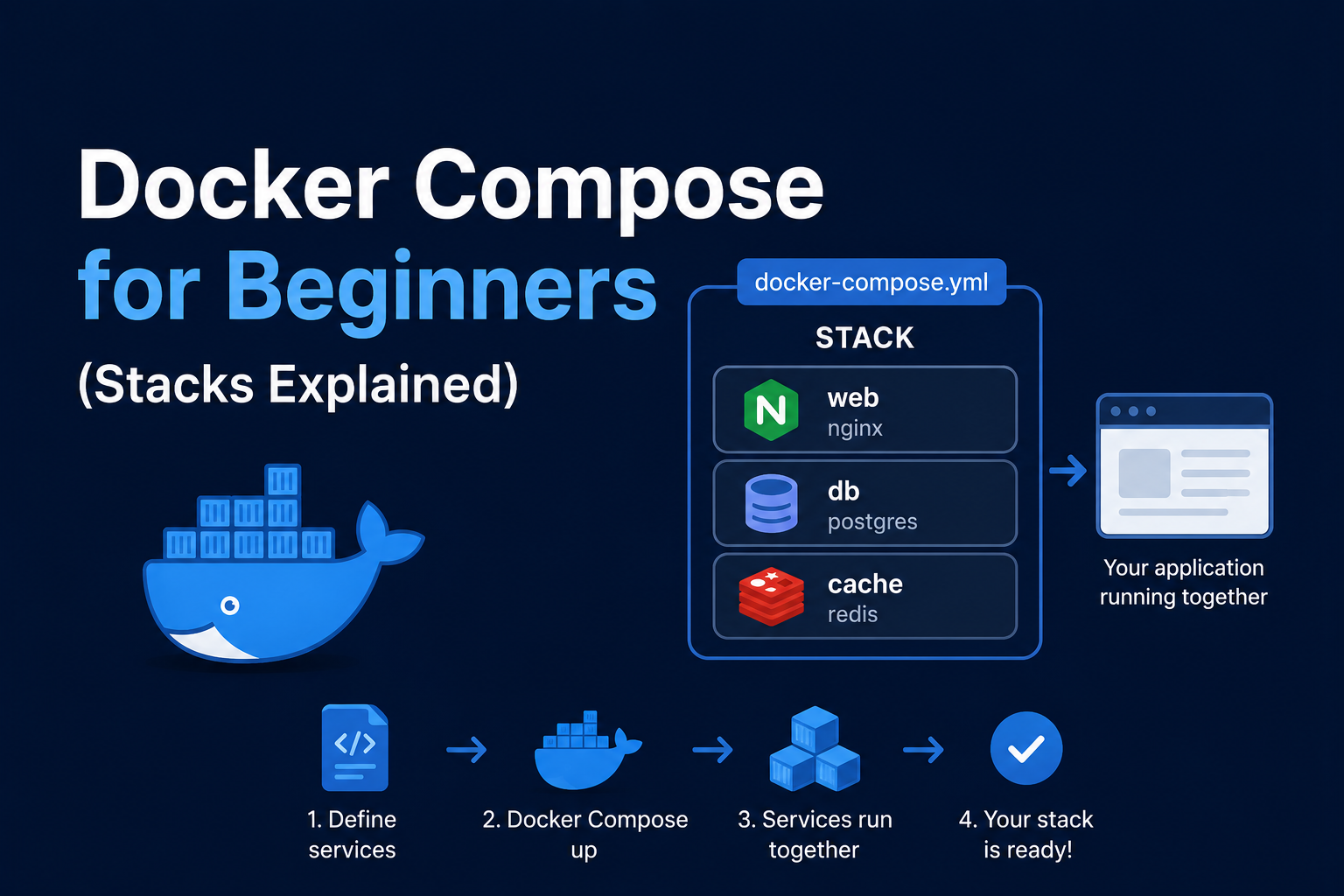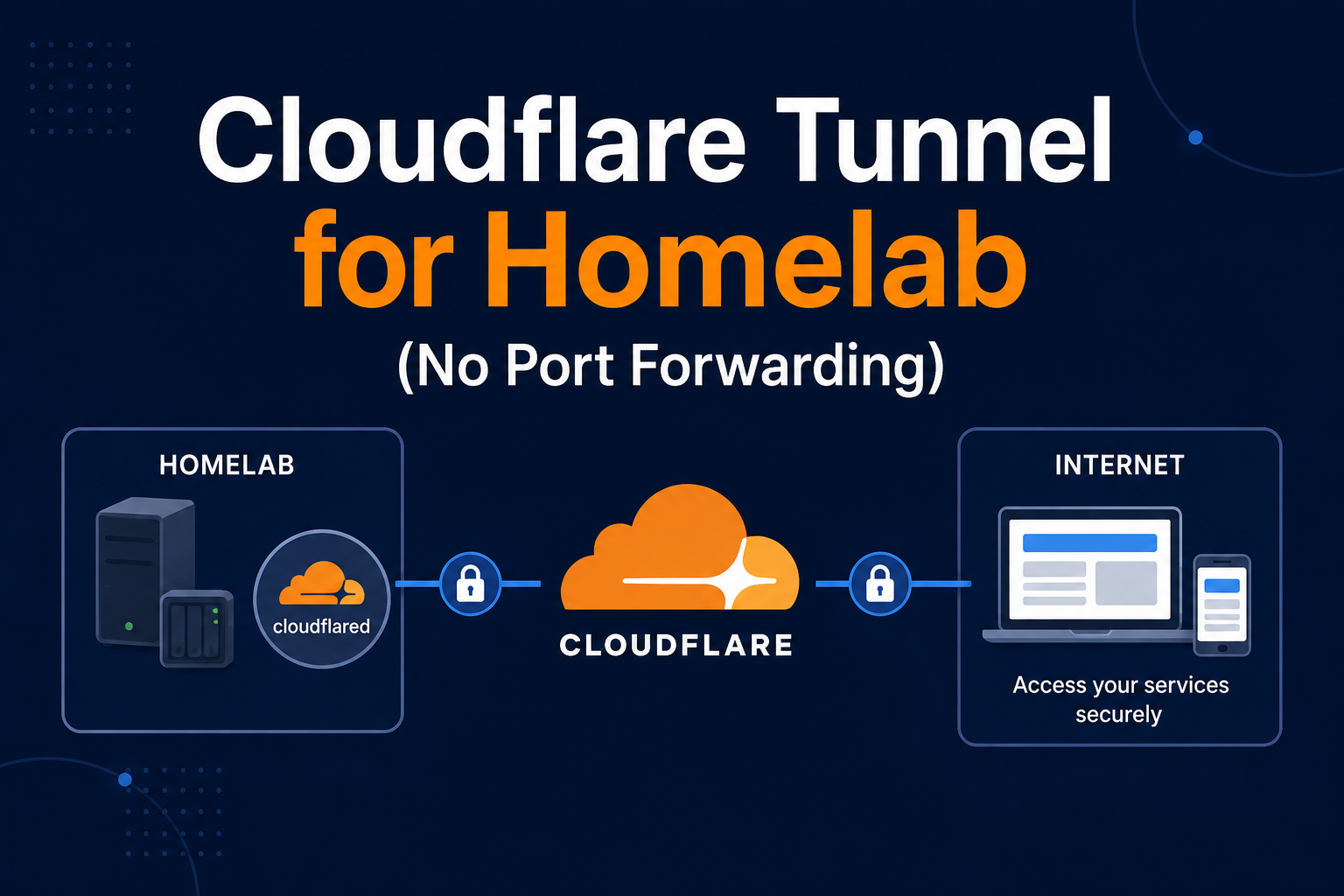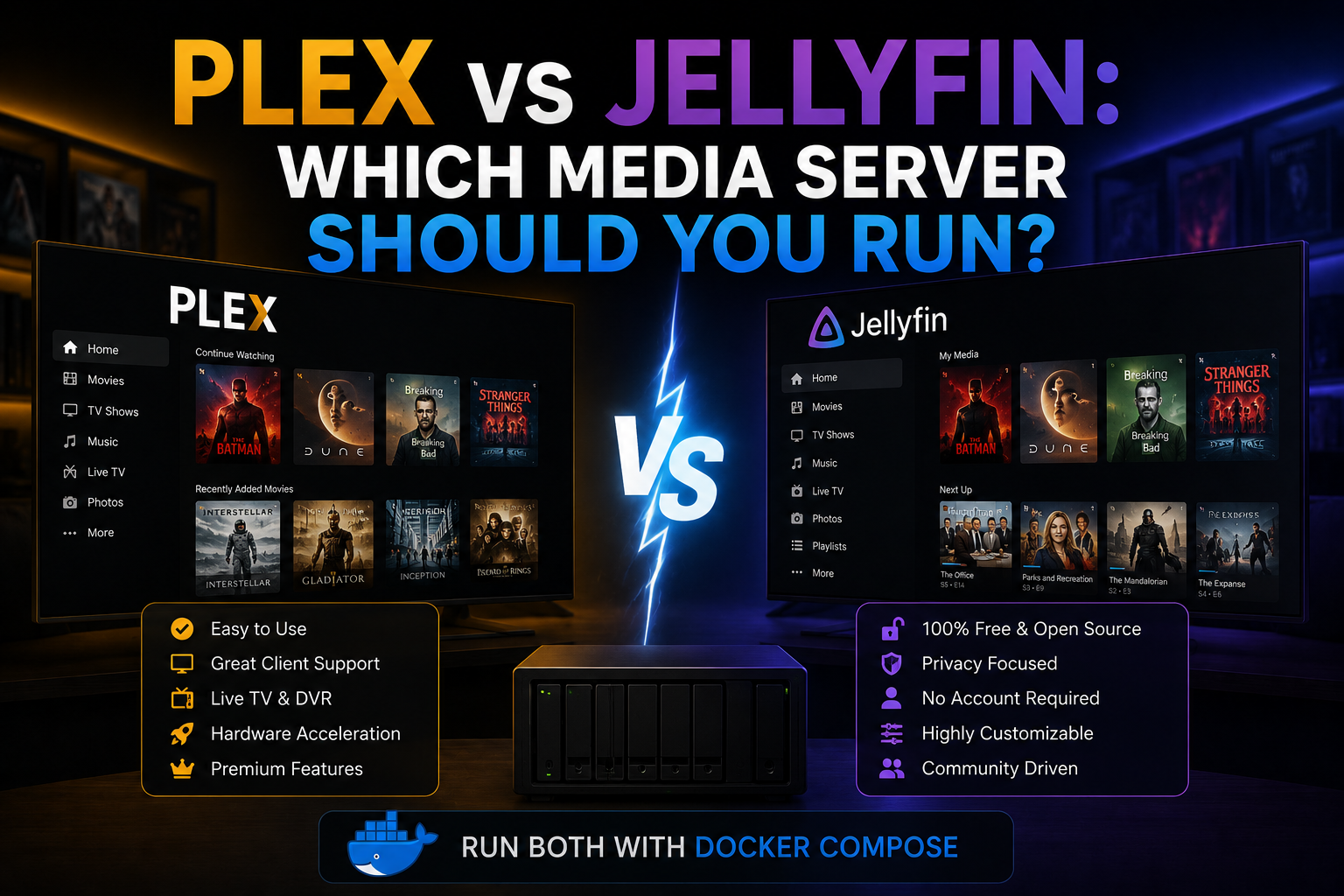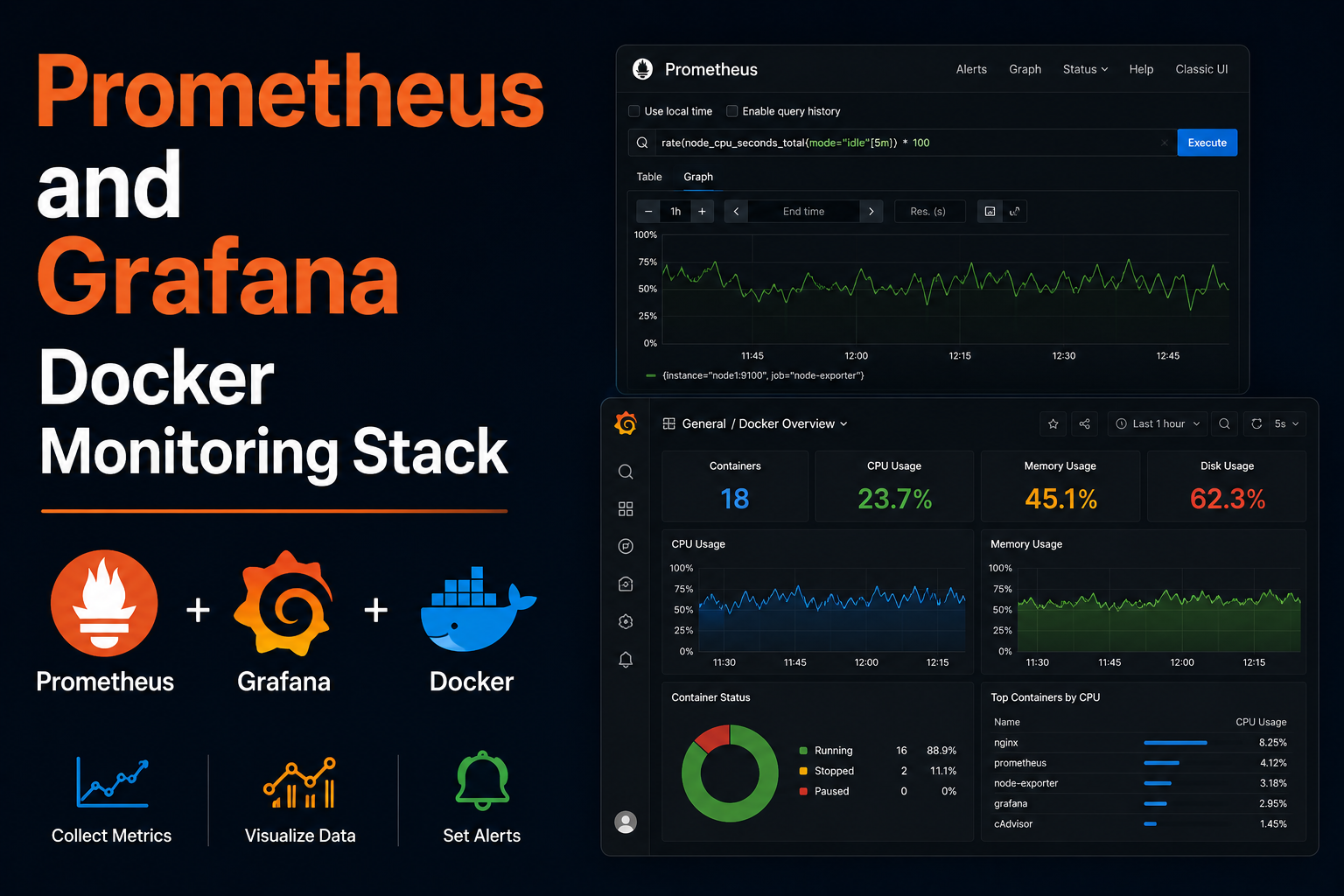
Immich is a self-hosted Google Photos alternative: mobile auto-upload, ML-powered search, albums, and sharing for families who refuse cloud lock-in. It is heavier than a single-container app—PostgreSQL, Redis, machine learning workers, and microservices—but Docker Compose upstream provides a maintained stack. This guide deploys Immich for homelab use, sizes storage, configures reverse proxy uploads, secures admin creation, backs up database and library paths, and troubleshoots common GPU and migration issues.
Prerequisites
Plan terabytes for UPLOAD_LOCATION; SSD for database and Redis. Docker Compose v2, 8 GB RAM minimum, 16 GB
preferred for ML jobs. Optional NVIDIA GPU for transcoding acceleration per Immich release notes. Domain
photos.example.com and Traefik on network proxy. Read official requirement versions before deploy—Immich
changes compose frequently; pin release tags from GitHub.
Docker Compose stack
Download .env and docker-compose.yml from the Immich release you choose; simplified excerpt:
services:
  immich-server:
    image: ghcr.io/immich-app/immich-server:release
    restart: unless-stopped
    env_file: .env
    volumes:
      - ${UPLOAD_LOCATION}:/usr/src/app/upload
    ports:
      - "2283:2283"
    depends_on:
      - redis
      - database

  immich-machine-learning:
    image: ghcr.io/immich-app/immich-machine-learning:release
    restart: unless-stopped
    env_file: .env

  redis:
    image: redis:6.2-alpine
    restart: unless-stopped

  database:
    image: tensorchord/pgvecto-rs:pg14-v0.2.0
    restart: unless-stopped
    env_file: .env
    volumes:
      - pgdata:/var/lib/postgresql/data

volumes:
  pgdata:
Set UPLOAD_LOCATION, DB_PASSWORD, and IMMICH_VERSION in .env. Run docker compose up -d and complete
admin registration at first launch before others scan the URL.
Post-deploy configuration
Enable smartphone auto-backup on LAN first, then HTTPS. Configure timezone and thumbnail settings. Library external paths may be added for existing photo trees—expect long initial scan. Set partner sharing carefully; Immich sharing is powerful. Monitor disk; deduplication is not as aggressive as Google—plan growth.
Security notes
Disable open registration after admin exists. Put Immich behind Authelia or Cloudflare Access if public. Large upload endpoints need increased body size on reverse proxy. Keep Immich updated—project moves quickly. Database holds metadata; protect pgdata. Do not expose Redis or Postgres ports publicly in compose—internal network only.
Backup
Back up ${UPLOAD_LOCATION} and pgdata volume together; metadata without files is useless. Use pg_dump before
major upgrades. Restic both paths on schedule. Test restore on spare machine quarterly—Postgres version must match.
Reverse proxy context
Traefik example with large uploads:
labels:
  - traefik.enable=true
  - traefik.http.routers.immich.rule=Host(`photos.example.com`)
  - traefik.http.routers.immich.entrypoints=websecure
  - traefik.http.routers.immich.tls.certresolver=le
  - traefik.http.services.immich.loadbalancer.server.port=2283
  - traefik.http.middlewares.immich-buffer.buffering.maxRequestBodyBytes=0
WebSocket and long uploads require proxy timeout tuning.
Troubleshooting
Machine learning slow: allocate RAM, enable GPU image, or reduce concurrent jobs. Upload fails 413: proxy
body size. Database migration error: read release notes, run provided scripts. Login loop: PUBLIC_URL
in .env must match external HTTPS URL. Thumbnails missing: check permissions on upload volume.
Key takeaways
Immich is the homelab answer to private family photos when you accept operational weight. Pin versions, backup Postgres and uploads together, proxy with generous limits, and close registration after onboarding.
Homelab operators should treat documentation as part of the deployment: record image tags,
volume paths, environment variables, and the exact Compose file revision in your internal wiki
or git repository. When you rebuild the host six months later, those notes prevent guesswork
about which UID owned a bind mount or which DNS name the reverse proxy expected. Version-control
your stack directory and review diffs before docker compose up -d, especially when labels or
network names change.
Capacity planning remains underrated in small labs. Monitor CPU, memory, disk I/O, and network utilization for a full week under normal household load before declaring hardware sufficient. Burst workloads—library scans, backup deduplication, VPN throughput tests, or 4K transcodes—often define minimum specs more than idle dashboards. Leave headroom for OS updates and one misbehaving container without cascading failures across unrelated services.
Change management applies even when you are the only administrator. Take volume snapshots or
export application backups before major upgrades. Roll back by restoring the previous Compose
file and pinned image digest, not by improvising latest tags under pressure. If you integrate
with Home Assistant, Authentik, or Authelia later, note which services assumed anonymous LAN
access so you can tighten authentication deliberately rather than breaking automations overnight.
Network segmentation pays dividends when a guest Wi-Fi VLAN, IoT subnet, and management LAN coexist. Place management UIs on administrative networks, expose only reverse-proxied HTTPS endpoints where required, and default-deny east-west traffic between VLANs except established flows you document. Logs sent to Loki or a centralized syslog host make correlating reverse-proxy errors with container restarts far faster than SSHing into each machine during an incident.
Homelab operators should treat documentation as part of the deployment: record image tags,
volume paths, environment variables, and the exact Compose file revision in your internal wiki
or git repository. When you rebuild the host six months later, those notes prevent guesswork
about which UID owned a bind mount or which DNS name the reverse proxy expected. Version-control
your stack directory and review diffs before docker compose up -d, especially when labels or
network names change.
Capacity planning remains underrated in small labs. Monitor CPU, memory, disk I/O, and network utilization for a full week under normal household load before declaring hardware sufficient. Burst workloads—library scans, backup deduplication, VPN throughput tests, or 4K transcodes—often define minimum specs more than idle dashboards. Leave headroom for OS updates and one misbehaving container without cascading failures across unrelated services.
Change management applies even when you are the only administrator. Take volume snapshots or
export application backups before major upgrades. Roll back by restoring the previous Compose
file and pinned image digest, not by improvising latest tags under pressure. If you integrate
with Home Assistant, Authentik, or Authelia later, note which services assumed anonymous LAN
access so you can tighten authentication deliberately rather than breaking automations overnight.
Network segmentation pays dividends when a guest Wi-Fi VLAN, IoT subnet, and management LAN coexist. Place management UIs on administrative networks, expose only reverse-proxied HTTPS endpoints where required, and default-deny east-west traffic between VLANs except established flows you document. Logs sent to Loki or a centralized syslog host make correlating reverse-proxy errors with container restarts far faster than SSHing into each machine during an incident.
Homelab operators should treat documentation as part of the deployment: record image tags,
volume paths, environment variables, and the exact Compose file revision in your internal wiki
or git repository. When you rebuild the host six months later, those notes prevent guesswork
about which UID owned a bind mount or which DNS name the reverse proxy expected. Version-control
your stack directory and review diffs before docker compose up -d, especially when labels or
network names change.
Capacity planning remains underrated in small labs. Monitor CPU, memory, disk I/O, and network utilization for a full week under normal household load before declaring hardware sufficient. Burst workloads—library scans, backup deduplication, VPN throughput tests, or 4K transcodes—often define minimum specs more than idle dashboards. Leave headroom for OS updates and one misbehaving container without cascading failures across unrelated services.
Change management applies even when you are the only administrator. Take volume snapshots or
export application backups before major upgrades. Roll back by restoring the previous Compose
file and pinned image digest, not by improvising latest tags under pressure. If you integrate
with Home Assistant, Authentik, or Authelia later, note which services assumed anonymous LAN
access so you can tighten authentication deliberately rather than breaking automations overnight.
Network segmentation pays dividends when a guest Wi-Fi VLAN, IoT subnet, and management LAN coexist. Place management UIs on administrative networks, expose only reverse-proxied HTTPS endpoints where required, and default-deny east-west traffic between VLANs except established flows you document. Logs sent to Loki or a centralized syslog host make correlating reverse-proxy errors with container restarts far faster than SSHing into each machine during an incident.