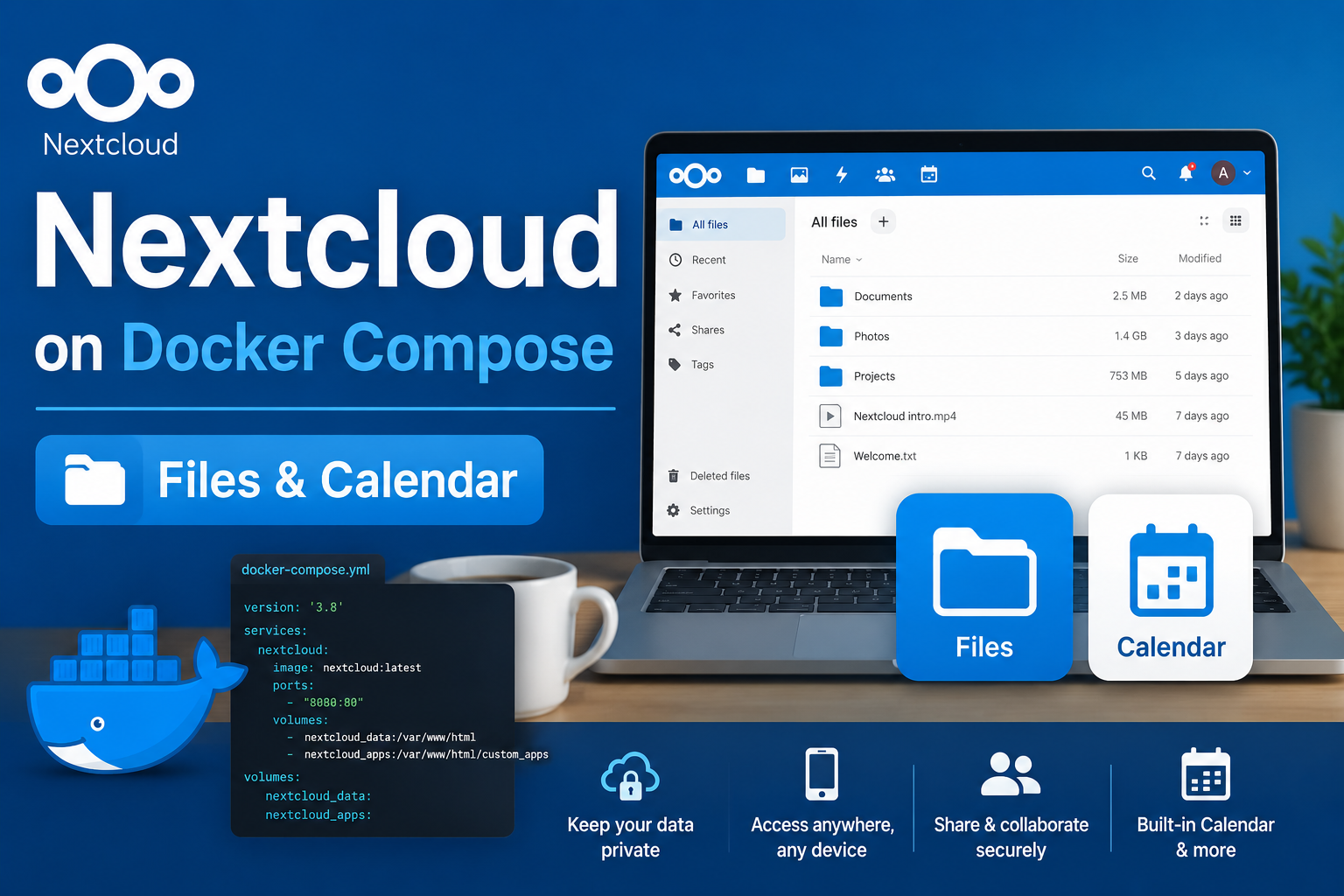
Nextcloud replaces proprietary sync-and-share platforms for families and small teams: files, calendars, contacts, and optional office collaboration under your control. Docker Compose is the standard way to run it at home because you can version the entire stack—application, database, cache, and cron—in one repository. This guide covers a maintainable Compose layout, trusted-domain configuration, reverse-proxy integration, security practices, and backups that protect both database and user data.
Prerequisites
You need a Linux host (or Docker-capable server) with enough RAM for Postgres and PHP—4 GB is a practical minimum for light household use; 8 GB is comfortable with office apps and preview generation. Reserve fast storage for data/ and the database volume; spinning disks work but SSD noticeably improves sync and thumbnail jobs. Obtain a domain name or internal DNS name and plan TLS before users connect mobile clients; the official apps reject invalid certificates. Install Docker Engine and Compose v2. If you will run behind a reverse proxy, create an external Docker network shared with your proxy container.
Stack components
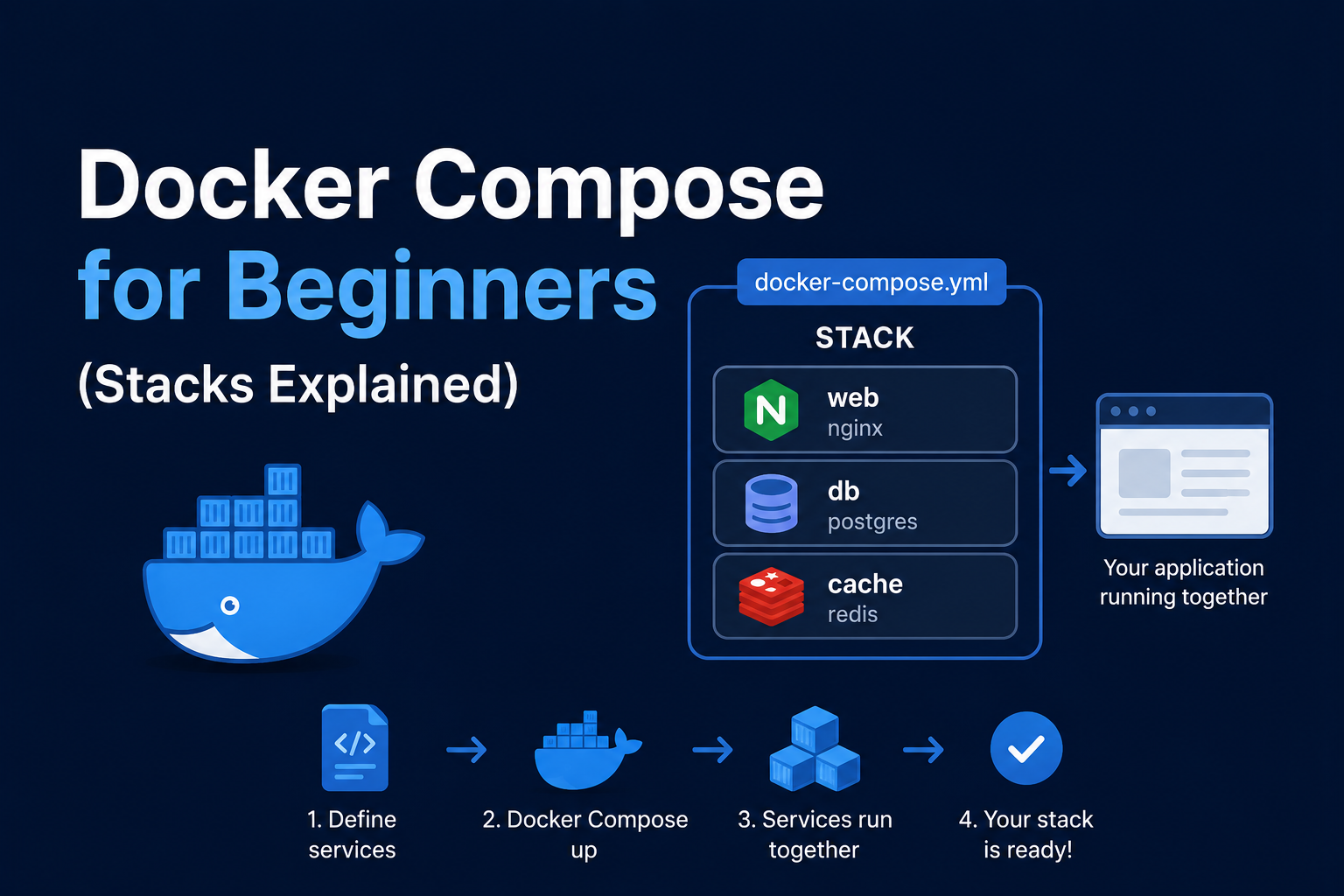
A reliable homelab Nextcloud deployment separates concerns:
- nextcloud — the application (Apache or FPM image variants exist; FPM behind a web server is common in larger stacks).
- postgres — authoritative metadata: users, sharing rules, activity, app settings.
- redis — file locking and transactional cache performance; strongly recommended.
- cron — background jobs (preview generation, notifications, federation checks).
Using SQLite is tempting for experiments; for production homelab use, Postgres avoids painful migrations later.
Docker Compose example
services:
  db:
    image: postgres:16-alpine
    restart: unless-stopped
    environment:
      POSTGRES_DB: nextcloud
      POSTGRES_USER: nextcloud
      POSTGRES_PASSWORD: ${POSTGRES_PASSWORD}
    volumes:
      - ./db:/var/lib/postgresql/data
    networks:
      - nextcloud

  redis:
    image: redis:7-alpine
    restart: unless-stopped
    command: redis-server --requirepass ${REDIS_PASSWORD}
    networks:
      - nextcloud

  app:
    image: nextcloud:29-apache
    restart: unless-stopped
    depends_on:
      - db
      - redis
    environment:
      POSTGRES_HOST: db
      POSTGRES_DB: nextcloud
      POSTGRES_USER: nextcloud
      POSTGRES_PASSWORD: ${POSTGRES_PASSWORD}
      REDIS_HOST: redis
      REDIS_HOST_PASSWORD: ${REDIS_PASSWORD}
      NEXTCLOUD_TRUSTED_DOMAINS: cloud.example.com
      OVERWRITEPROTOCOL: https
      TRUSTED_PROXIES: 172.16.0.0/12
    volumes:
      - ./data:/var/www/html/data
      - ./config:/var/www/html/config
    networks:
      - nextcloud
      - proxy

  cron:
    image: nextcloud:29-apache
    restart: unless-stopped
    entrypoint: /cron.sh
    depends_on:
      - app
    volumes:
      - ./data:/var/www/html/data
      - ./config:/var/www/html/config
    networks:
      - nextcloud

networks:
  nextcloud:
  proxy:
    external: true
Store secrets in a .env file excluded from git. After docker compose up -d, complete the web installer only if auto-setup did not run; otherwise use occ for maintenance.
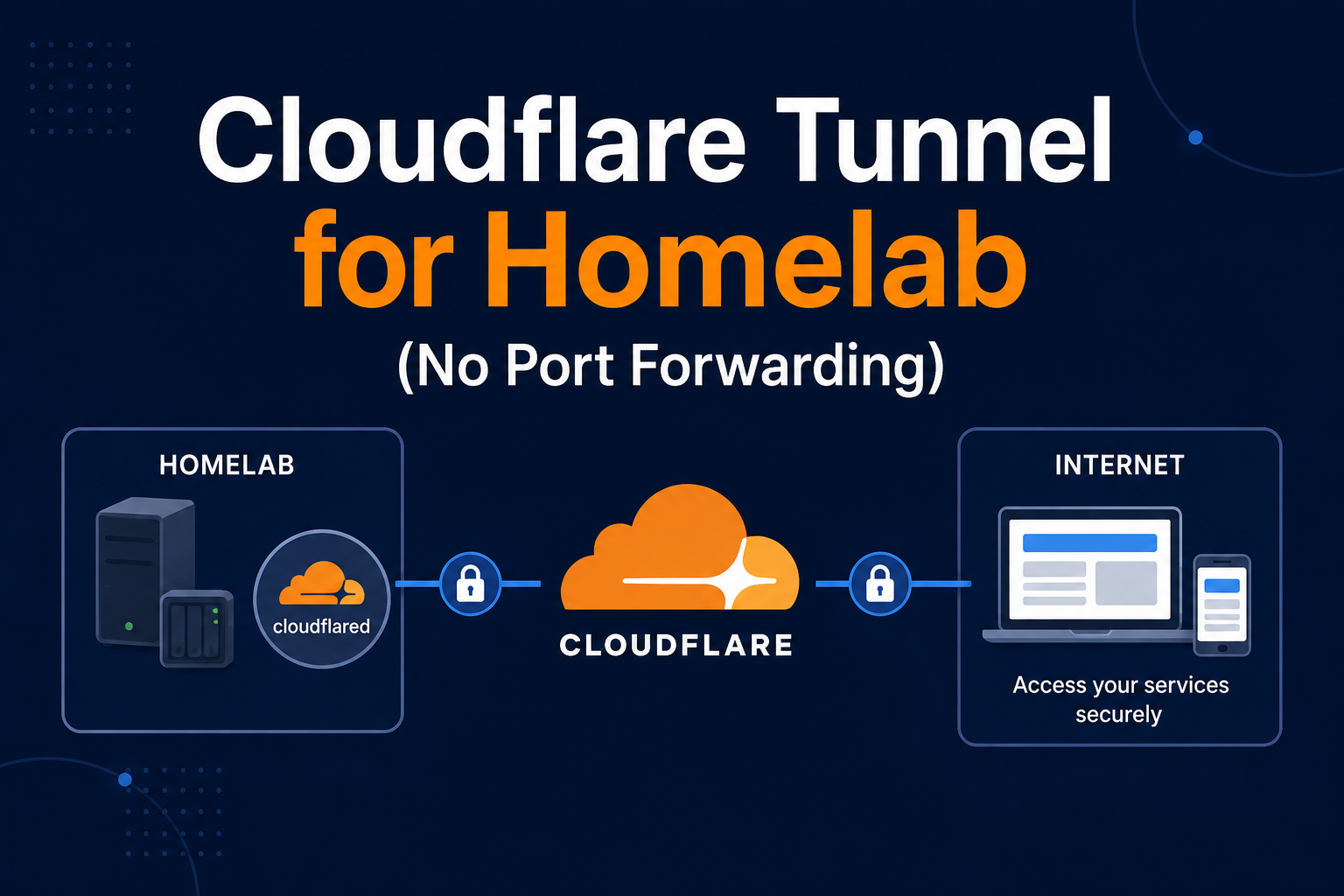
Trusted domains and reverse proxy
Mobile and desktop clients connect via your public URL. Set NEXTCLOUD_TRUSTED_DOMAINS (or edit config/config.php) to include every hostname users type—LAN IP, .local name, and public FQDN. Behind a proxy, set overwritehost, overwriteprotocol, and trusted_proxies so generated links use HTTPS and correct hosts.
Performance tuning for household sync
Redis is not optional at scale—without it, desktop clients exhibit locking errors during large syncs. Tune PHP memory limits for big folder listings. Store previews on SSD; HDD pools work but feel sluggish during initial phone backup of camera rolls. Consider previewgenerator app or workflow if thousands of photos upload from phones. For CalDAV/CardDAV, point clients at the same FQDN; mixed HTTP/HTTPS confuses iOS. Office documents via Collabora or OnlyOffice add another Compose stack—plan RAM accordingly (another 2–4 GB). External storage mounts (S3 primary storage) are advanced; most homelabs keep data/ local or on NAS with nightly snapshots.
occ maintenance commands
Operators live in docker compose exec -u www-data app php occ:
occ status— version and maintenance modeocc files:scan --all— after bulk copy intodata/occ db:add-missing-indices— after upgradesocc security:bruteforce:reset <ip>— when you lock yourself out
Script these in a monthly cron email to yourself. Before major upgrades, snapshot DB and run occ upgrade explicitly if the container entrypoint does not.
Example Nginx snippet:
location / {
  proxy_pass http://nextcloud-app:80;
  proxy_set_header Host $host;
  proxy_set_header X-Forwarded-Proto $scheme;
  proxy_set_header X-Real-IP $remote_addr;
  client_max_body_size 10G;
}
Large uploads require matching upload_max_filesize in PHP settings via a custom config drop-in or the image’s documented environment variables. Test WebDAV and desktop sync after proxy changes.
Collabora and OnlyOffice (optional)
Document editing adds a second stack. OnlyOffice Document Server in Docker pairs via Nextcloud app settings—allocate 2 GB RAM minimum. Set overwrite.cli.url and internal URLs so Nextcloud talks to OnlyOffice on the Docker network while browsers hit the public HTTPS URL. Misconfigured URLs cause “document could not be loaded” errors that look like corruption but are routing bugs.
High availability expectations
True HA (dual nodes, floating IP) exceeds most homelab needs. Single-node Compose is fine if backups exist. Maintenance windows: enable maintenance:mode, announce to family iMessage, upgrade, smoke-test WebDAV upload/download, disable maintenance. Keep a printed “if NAS is down” note for non-technical household members—humor helps.
Security notes
Nextcloud holds sensitive documents. Enforce HTTPS, disable unused apps, and enable brute-force protection (built-in). Use strong admin and database passwords; rotate app passwords for clients instead of sharing the main password. Keep the image updated—security advisories are frequent. Restrict admin UI exposure if possible (VPN-only management, public read-only shares disabled by policy). Enable server-side encryption only if you understand key recovery implications; it complicates backups and is not a substitute for transport security. Scan with the security and setup warnings in Settings → Administration → Overview after every upgrade.
Backup strategy
You must backup both the database and data/. Application files in the image are disposable; user files and config/ are not.
- Put Nextcloud in maintenance mode:
docker compose exec -u www-data app php occ maintenance:mode --on - Dump Postgres:
docker compose exec db pg_dump -U nextcloud nextcloud > backup.sql - Snapshot
./dataand./configwith Restic, Borg, or ZFS snapshots. - Turn maintenance mode off.
Run backups nightly; test restore to a staging Compose project quarterly. Document occ commands you use. For Borg/Restic, exclude caches if documented, but never skip data or the database dump.
Troubleshooting
“Access through untrusted domain”: add the hostname to trusted domains and clear opcode caches. Slow sync or locking errors: verify Redis credentials and connectivity. 413 errors on upload: increase proxy client_max_body_size and PHP limits. Cron jobs not running: ensure the cron container is healthy or configure system cron calling occ every five minutes. Upgrade loops: read release notes; run occ upgrade after image bumps. Preview generation load: move preview settings to off-peak hours or a dedicated preview generator service for large libraries. SMB external storage: latency kills WebDAV—prefer local volume for active sync folders.
Federation and apps
Federation between homelab instances is niche; disable if unused. Audit App Store installs—each app is PHP code with database access. Two-factor authentication via TOTP app should be mandatory for admin. Bruteforce protection whitelist your own VPN egress IP if you lock yourself out repeatedly.
Scaling beyond one household
Ten users on one VM is realistic with SSD and 16 GB RAM; beyond that, consider dedicated database host or external Postgres service. Object storage primary backends (S3) help when local disk is finite—complexity rises. Read-only replicas are enterprise territory; homelabs restart containers instead.
Key takeaways
Nextcloud on Docker Compose is maintainable when Postgres and Redis are first-class citizens from day one, not afterthoughts. Trusted domains and proxy headers are not optional for HTTPS clients. Treat backups as database plus data plus config, with tested restores. Pin versions, automate occ maintenance, and keep the Overview page clean—your household’s files depend on it.