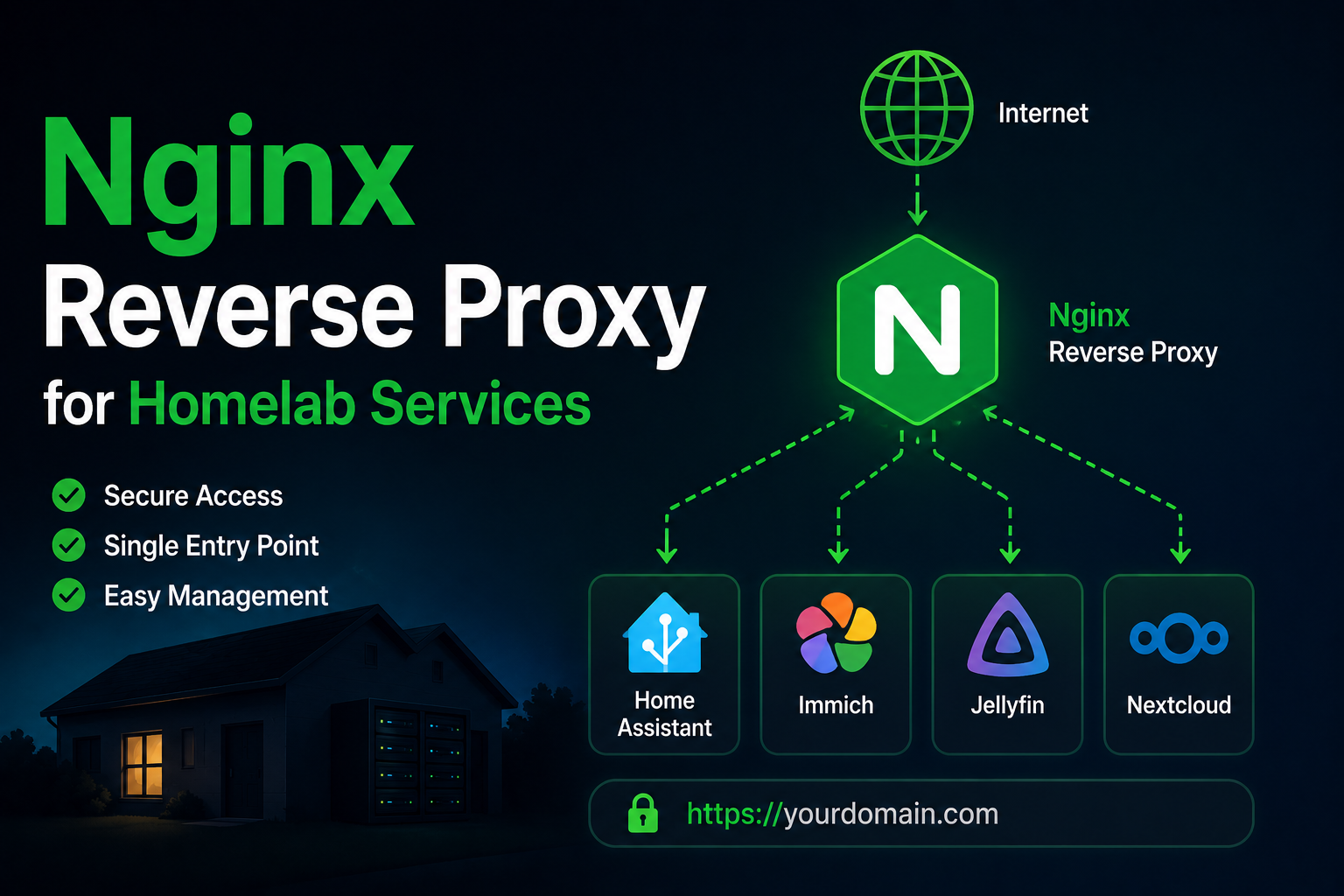
A reverse proxy is the front door of a modern homelab: one place to terminate TLS, route hostnames to internal services, enforce headers, and later add authentication or rate limits. Nginx remains the most widely documented choice—predictable, fast, and easy to reason about in static config files. This guide builds a homelab-friendly Nginx reverse proxy with Let’s Encrypt certificates, Docker integration patterns, security defaults, and operational habits that survive your fifteenth subdomain.
Prerequisites
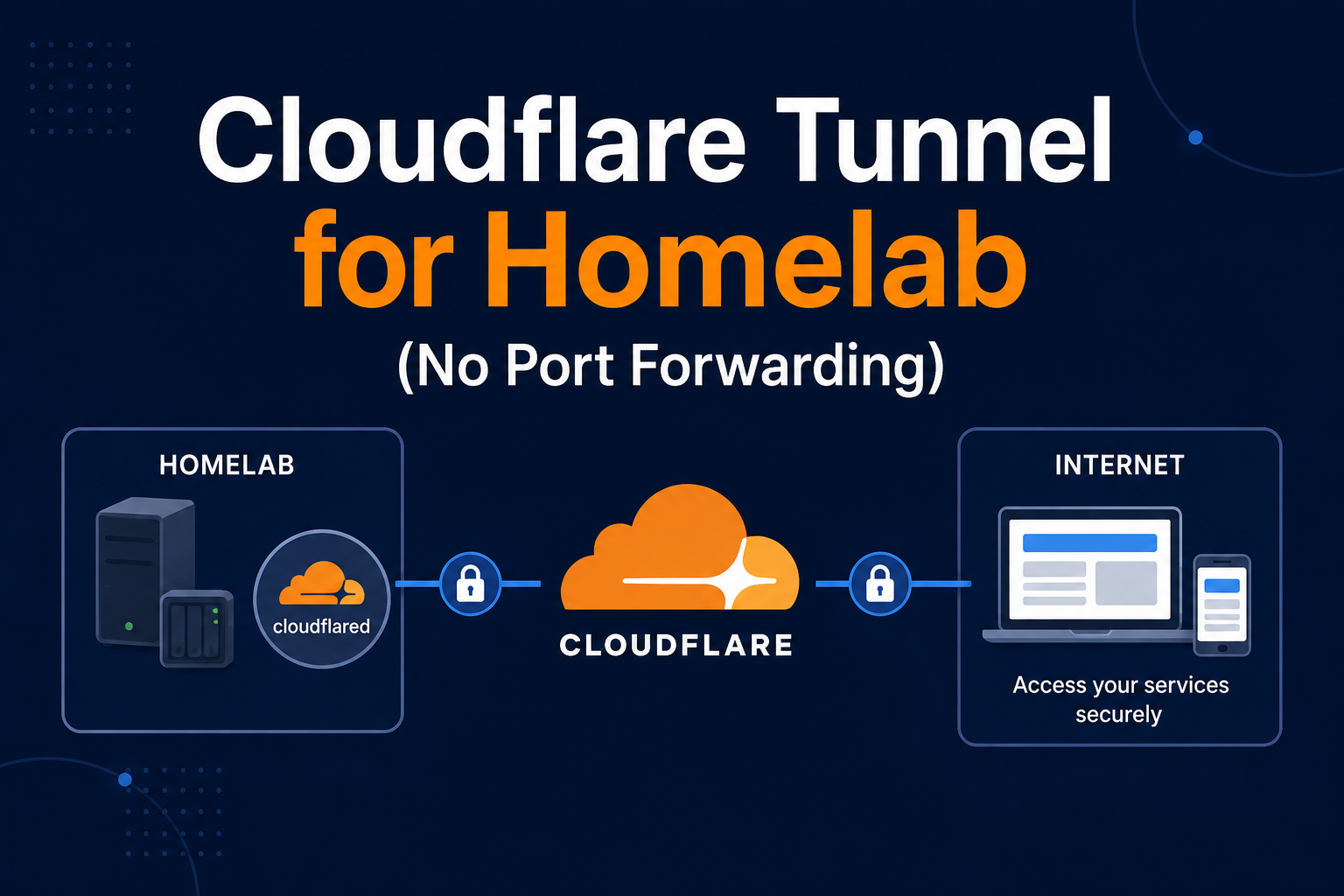
You need a public hostname (or split-horizon DNS) pointing to your home IP, or a tunnel terminating HTTPS before traffic reaches Nginx. Ports 80 and 443 must reach the proxy host—via router port forward, IPv6, or Cloudflare Tunnel in front. Install Docker if you prefer containerized Nginx; bare-metal nginx on the host is equally valid. Understand each backend service’s internal URL (http://jellyfin:8096, http://192.168.1.10:8080). For Let’s Encrypt HTTP-01 challenges, port 80 must be reachable from the internet unless you use DNS-01 with a plugin.
Core pattern
Each public service gets a server_name and a proxy_pass upstream. A minimal HTTPS vhost for Jellyfin:
server {
  listen 443 ssl http2;
  server_name jellyfin.example.com;

  ssl_certificate     /etc/letsencrypt/live/jellyfin.example.com/fullchain.pem;
  ssl_certificate_key /etc/letsencrypt/live/jellyfin.example.com/privkey.pem;

  location / {
    proxy_pass http://127.0.0.1:8096;
    proxy_set_header Host $host;
    proxy_set_header X-Real-IP $remote_addr;
    proxy_set_header X-Forwarded-For $proxy_add_x_forwarded_for;
    proxy_set_header X-Forwarded-Proto $scheme;
    proxy_http_version 1.1;
    proxy_set_header Upgrade $http_upgrade;
    proxy_set_header Connection $connection_upgrade;
  }
}
Repeat with new files under /etc/nginx/conf.d/ or sites-enabled/. Reload with nginx -t && systemctl reload nginx.
HTTP to HTTPS redirect and default server
Add a port 80 server block that redirects to HTTPS and answers Let’s Encrypt challenges:
server {
  listen 80;
  server_name jellyfin.example.com;
  location /.well-known/acme-challenge/ {
    root /var/www/certbot;
  }
  location / {
    return 301 https://$host$request_uri;
  }
}
Define a default_server that returns 444 or 404 for unknown Host headers—reduces fingerprinting of your home IP. For internal-only services, duplicate vhosts listening only on LAN interfaces (listen 192.168.1.10:443) so public DNS never routes to them.
WebSockets, buffering, and long requests
Jellyfin, Home Assistant, and Immich need HTTP/1.1 Upgrade headers (shown in the Jellyfin example). Nextcloud and large uploads need client_max_body_size and often proxy_request_buffering off to stream uploads without spooling entire files on the proxy disk. Timeouts (proxy_read_timeout 3600s) prevent premature 504s during big syncs. Map $connection_upgrade via map $http_upgrade $connection_upgrade in nginx.conf http block—standard pattern in distribution snippets.
Docker Compose reverse proxy
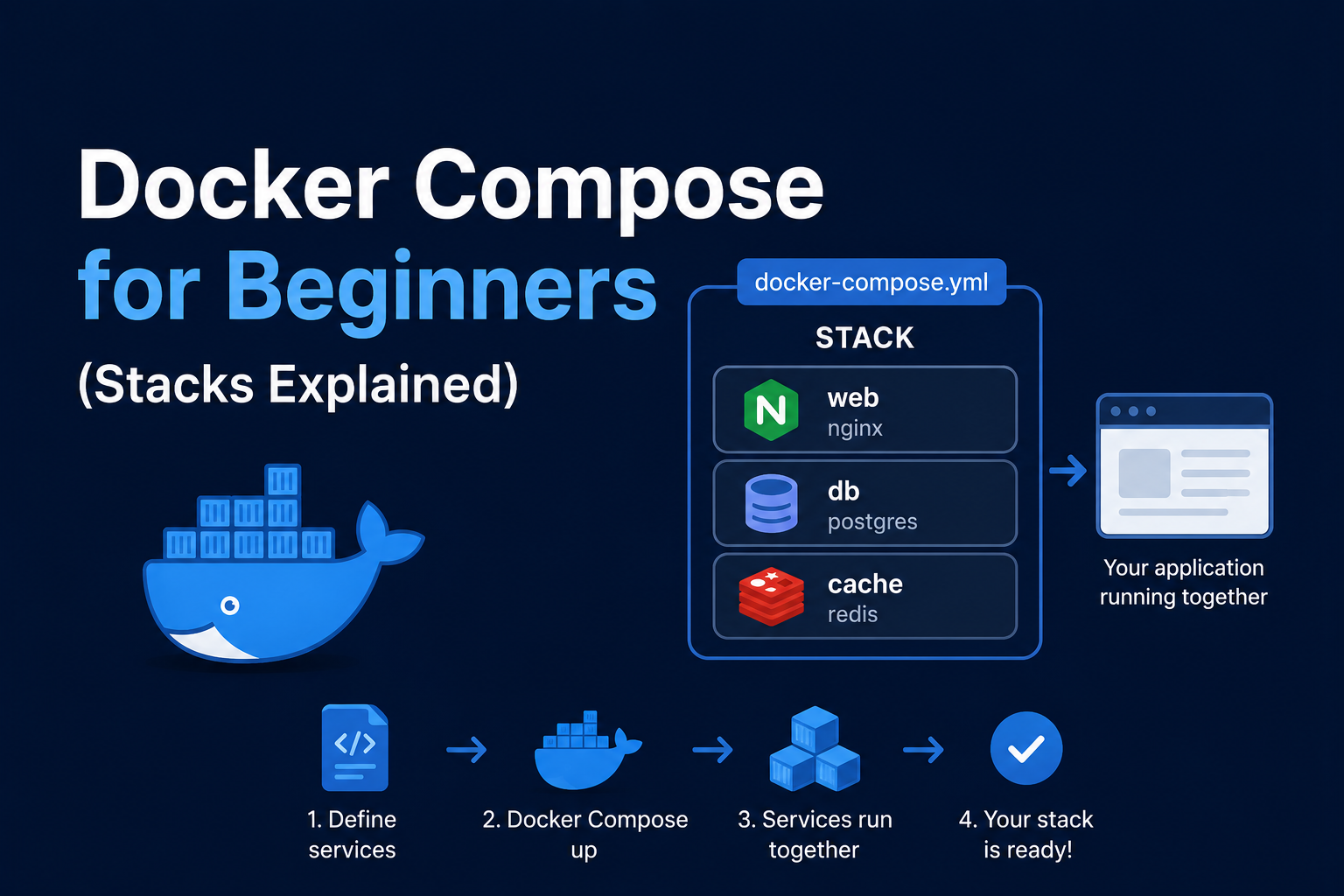
Many homelabs run Nginx in Docker on a shared proxy network:
services:
  nginx:
    image: nginx:alpine
    restart: unless-stopped
    ports:
      - "80:80"
      - "443:443"
    volumes:
      - ./conf.d:/etc/nginx/conf.d:ro
      - ./certs:/etc/letsencrypt:ro
    networks:
      - proxy

networks:
  proxy:
    external: true
Backend services attach to proxy and are referenced by container name (proxy_pass http://nextcloud:80;). Do not publish backend ports publicly if the proxy is the intended entry point.
Certificates with Certbot
Use the Certbot Nginx plugin or webroot mode. Webroot example:
certbot certonly --webroot -w /var/www/certbot \
  -d jellyfin.example.com -d cloud.example.com
Automate renewal with systemd timer or a cron job; Certbot renews at 30 days remaining. After renewal, reload Nginx. For homelabs behind CGNAT, DNS-01 via your registrar API or Cloudflare API is more reliable than HTTP-01.
Security notes
Use TLS 1.2+ and modern cipher suites (Mozilla SSL Configuration Generator is a solid baseline). Enable HSTS only when HTTPS is stable everywhere. Hide Nginx version tokens (server_tokens off;). Restrict admin UIs by IP allowlist or VPN-only vhosts. Rate-limit login paths with limit_req. Do not proxy to services that assume HTTP without setting X-Forwarded-Proto. Review each app’s trusted proxy documentation—Nextcloud, Jellyfin, and Home Assistant all have specific requirements.
Backup and configuration management
Nginx configs are text—store them in git. Backup /etc/letsencrypt (private keys) securely; loss means re-issuance, not data loss, but rate limits apply. Document every server_name and upstream port in a README or wiki. Test config before reload; a syntax error should never take down unrelated vhosts if you split files per service.
Troubleshooting
502 Bad Gateway: backend down or wrong container name on Docker network. Certificate errors: expired cert or missing reload after renewal. Redirect loops: app forcing HTTPS while proxy already terminates TLS—fix X-Forwarded-Proto. WebSockets fail: missing Upgrade headers (see Jellyfin example). Large uploads fail: increase client_max_body_size for Nextcloud/Immich. Let’s Encrypt fails: port 80 blocked, Cloudflare orange-cloud interfering with HTTP-01, or wrong DNS. OCSP stapling warnings: renew cert chain or enable stapling in ssl config. Slow first byte: enable proxy buffering appropriately per app.
Log analysis and rate limiting
Enable access_log per vhost to separate Jellyfin noise from Nextcloud sync. Use limit_req_zone for login paths:
limit_req_zone $binary_remote_addr zone=login:10m rate=5r/m;
limit_req zone=login burst=10 nodelay;
Fail2ban with nginx jails automates IP bans after repeated 401/403—popular for Vaultwarden and Nextcloud exposed via tunnel.
Caddy and when to switch
Caddy automates HTTPS with zero Certbot cron—excellent for homelabs tired of Nginx boilerplate. Tradeoff: less forum lore for exotic proxy rules. Some run Caddy as edge and Nginx only where needed—usually overkill. Learn Nginx first; migrate to Caddy if operational toil hurts.
OCSP stapling and modern TLS
After obtaining certs, enable stapling to speed handshakes. Use Mozilla Intermediate profile—avoid obsolete cipher suites that break old Smart TVs if those are clients. HTTP/3 (QUIC) on Nginx is emerging; homelabs can wait unless experimenting.
Homelab hostname inventory
Maintain a table: hostname → backend container → port → auth method → backup tag. Example: cloud.example.com → nextcloud:80 → none → restic tag nextcloud. Prevents orphan vhosts after deleting stacks.
Include snippets and DRY
Store proxy headers in snippets/proxy-params.conf and include in every vhost—one place to add HSTS or websocket map. Reduces copy-paste errors across fifteen services.
Dual-stack IPv6
If ISP provides IPv6, duplicate vhosts listening [::]:443 with same certs—Let's Encrypt supports IPv6 HTTP-01. Mobile clients may prefer IPv6 path; test Jellyfin remotely on LTE IPv6.
ModSecurity (optional)
WAF adds false positives for homelab—skip unless enjoying security practice. Rate limiting and geo block at Cloudflare layer often enough.
Automated config test
Cron nginx -t after certbot renew—some distros hook reload automatically; verify yours does. Stale configs after manual edit without test take down all vhosts on reload.
Static assets and caching
For purely static sites, root instead of proxy_pass—less attack surface. Jellyfin and Nextcloud should not cache aggressively at proxy—breaks auth.
Real-IP and geo headers
When Cloudflare or another CDN sits in front, use real_ip modules or trusted CDN IP lists so rate limits apply to client IPs, not Cloudflare edges. Homelab docs often skip this until fail2ban bans entire CDN ranges—read Cloudflare’s published IP ranges and update quarterly. For pure home Nginx without CDN, X-Real-IP from the example suffices. Test rate limiting on LAN before exposing login forms—adjust burst values so household retry attempts are not locked out during typos. Keep a printed list of public hostnames on the server rack—future you will forget which subdomain points where after the tenth new service lands in your Compose git repo.
Key takeaways
Nginx gives homelab operators explicit control over routing and TLS with minimal magic. Standardize forwarded headers, one vhost per service, and automated Certbot renewal. Keep configs in version control, backends on internal networks only, and admin surfaces off the public internet unless protected. A well-run reverse proxy is what makes fifteen Docker tabs feel like a coherent private cloud.